Stage Plot Pro Team /
Announcing Stage Plot Pro Early Access for Live Musicians
Stage Plot Pro is open for early access. Build professional stage plots and input lists, export clean PDFs, and share links with venues, all for free.
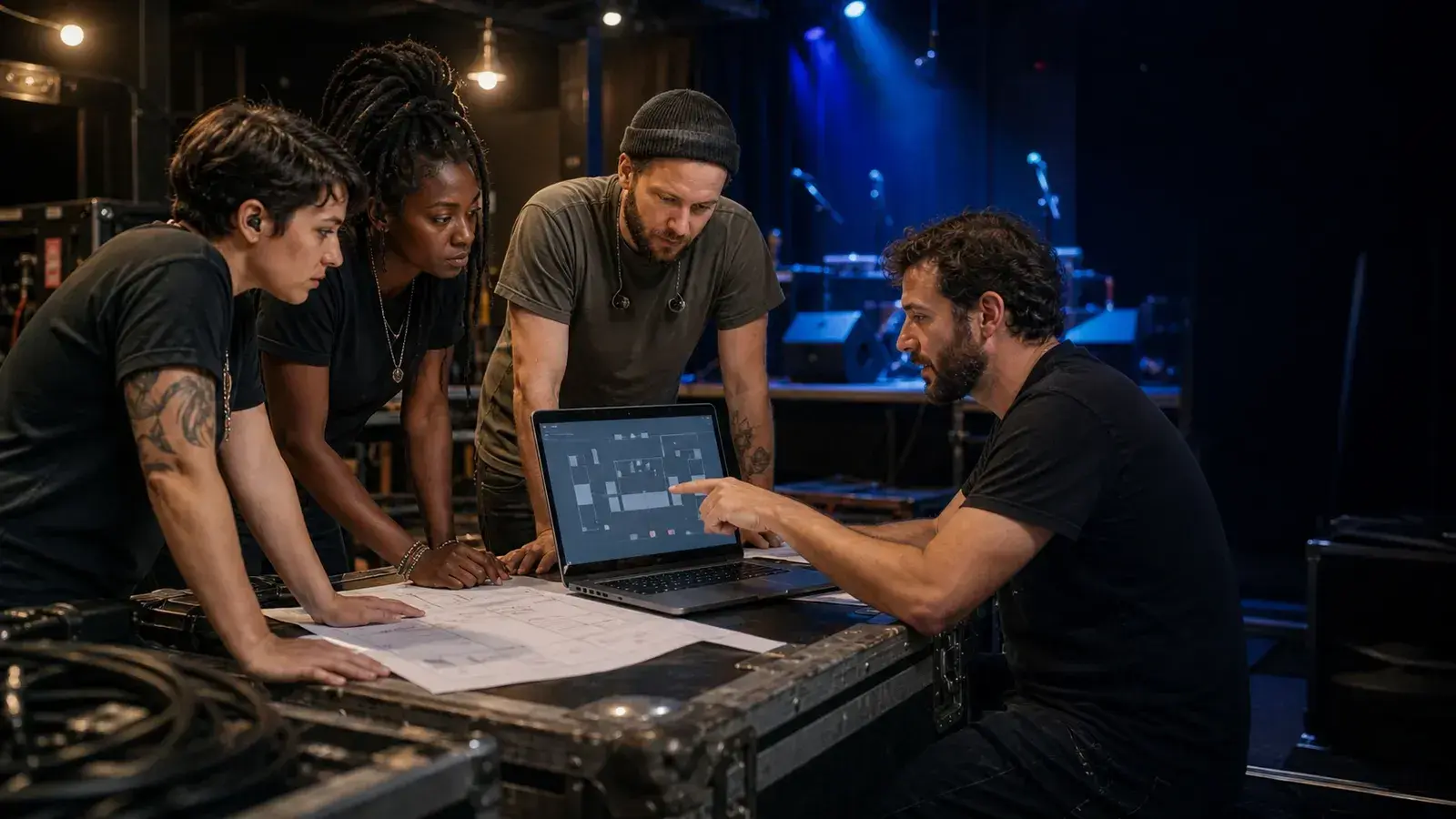
Early access is live
We built Stage Plot Pro because the tools musicians reach for are clunky, slow,
or stuck in a spreadsheet. Today the editor is open for early access and it is
free while we are in this phase.
What you can do today
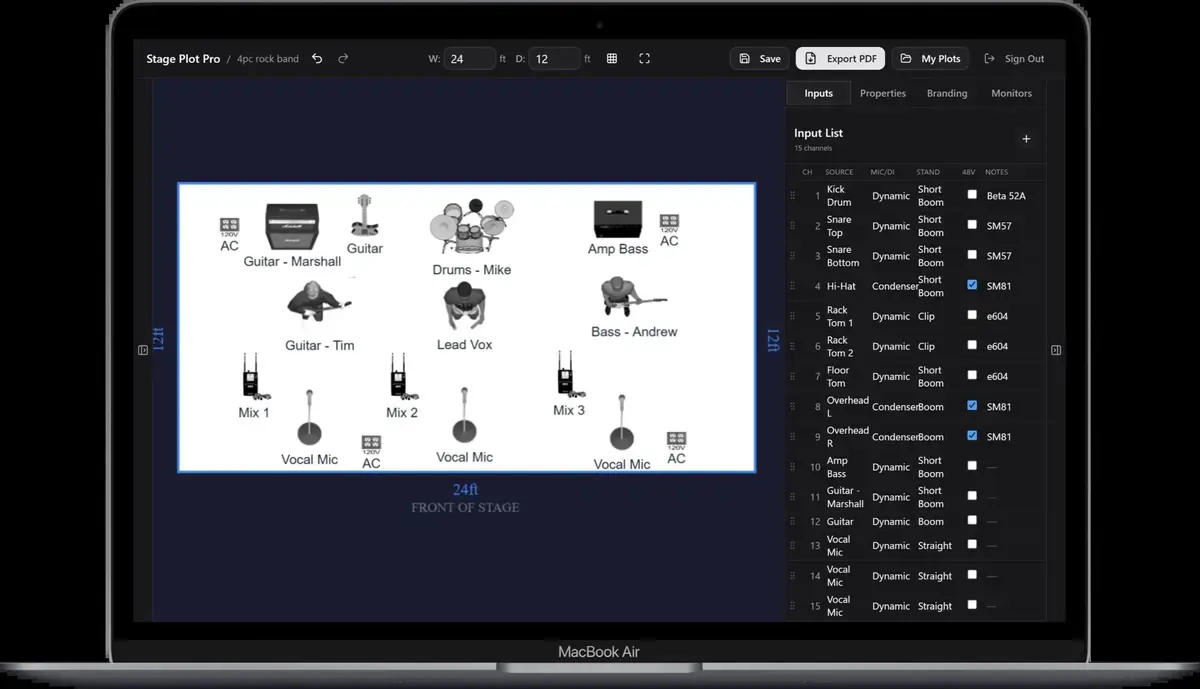
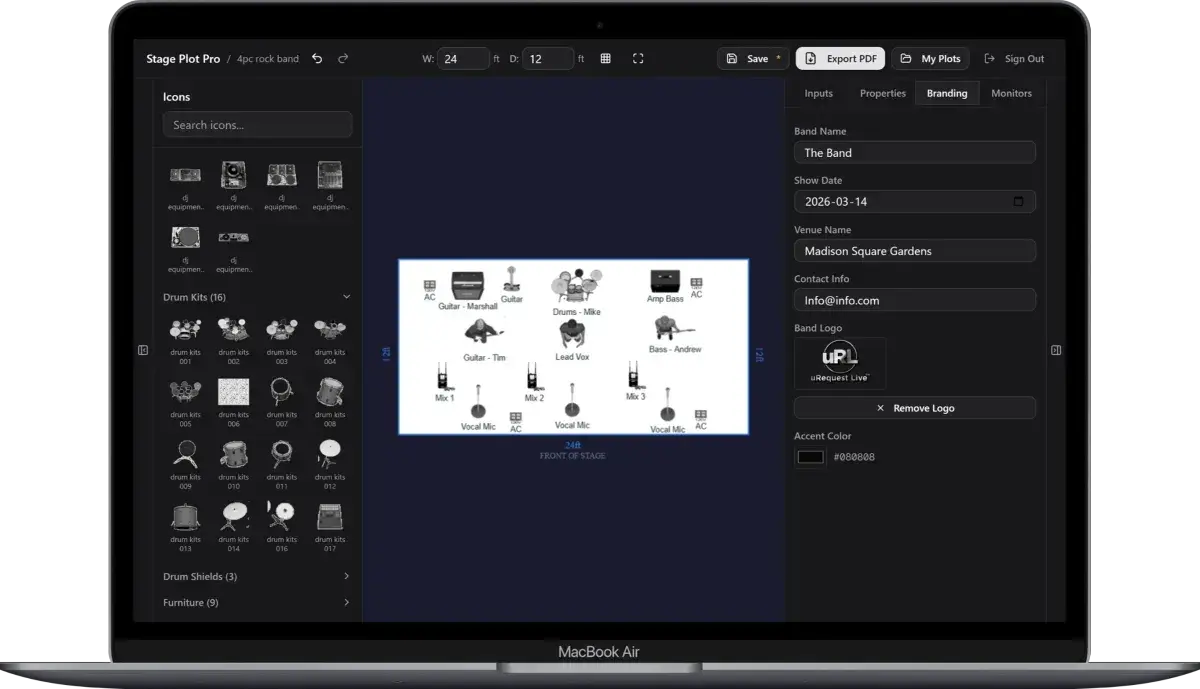
- Drag and drop a full stage from a library of icons
- Generate an input list automatically as you build
- Export a clean PDF for the venue
- Share a link so the engineer sees it before load in
What is next
We are shipping templates, guides, and console specific pages so you can start
from a proven layout instead of a blank canvas. Jump in and tell us what you
want to see next.
A real-world production scenario
Stageplot Pro early access is built around one practical job: turn a band’s real setup into a document that a venue can use. The editor is not intended to replace a production conversation or draw an engineering schematic. It should make the repeatable parts faster: placing performers and backline, identifying inputs, documenting monitor positions, and exporting a readable package.
A repeatable workflow
- Choose a template close to the lineup or begin with an empty stage when the setup is unusual.
- Set stage dimensions and orientation before fine placement so spacing decisions remain meaningful.
- Place performers, backline, microphones, DIs, playback, monitors, and special access requirements.
- Review the generated input list and edit names, channel order, stereo pairs, and monitor-only notes.
- Export, read the PDF at normal size, and send it with a short advance message that identifies the revision.
The order matters. It moves from known facts to local decisions and leaves the room-dependent work with the people who can hear and inspect the system. Skipping directly to preferences is how a polished document becomes difficult to execute.
Decisions to settle before the show
- Which icons should automatically create audio inputs?
- How should saved plots survive later changes to the equipment library?
- Which export formats can be verified reliably against manufacturer documentation?
- What collaboration and versioning features remove the most production friction?
If an answer depends on the venue, write the question and the preferred solution instead of presenting an assumption as a requirement. That gives production something concrete to confirm and prevents avoidable surprises at load-in.
Make the handoff unambiguous
The standard for early access is not whether every possible instrument exists in the palette. It is whether a working band can complete a real advance, spot what is missing, and communicate the problem clearly. Each finished plot creates evidence about the next feature that matters, from template variety and input naming to monitor workflows and console preparation.
The final package should survive a quick read on a phone, a printed copy at the stage rack, and a conversation over intercom. Use current filenames, readable labels, and the same terminology everywhere. When the documents disagree, the crew has to stop and discover which version reflects the real show.
Prove the plan before load-in
Do a tabletop check with someone who did not build the document. Give them two minutes and ask them to explain the physical setup, count the required inputs and outputs, identify artist-supplied gear, and point to the first likely production question. Do not coach them through it. Every pause exposes a label, assumption, or missing relationship that will also slow a venue crew.
Then trace the workflow in signal-flow order. Start with the source, follow the connection to the stage input, confirm the console channel or destination, and finish at the required PA, monitor, recording, or show-control output. This catches a different class of mistake than proofreading. A document can be spelled perfectly while describing an impossible or incomplete route.
Control revisions like production equipment
Keep one master version, create deliberate venue-specific copies, and place the revision date where it remains visible after printing or separating pages. A descriptive filename with the band name, document type, and ISO date is easier to trust than a file called final-v2-new. When a last-minute change is unavoidable, state exactly what changed in the email instead of forcing production to compare two PDFs.
After the show, update the master only when the change will travel. A one-night local substitution belongs in the venue notes; a new keyboard, vocalist, playback output, or monitor system belongs in the master. That discipline keeps useful local compromises from quietly becoming false requirements on every future date.
Final preflight checklist
- Confirm the lineup, stage orientation, source count, monitor count, and ownership of all artist-supplied equipment.
- Compare the plot, input list, and rider for the same names and revision date.
- Identify substitutions and fallbacks before they become time-critical.
- Open every exported file once and check that text, images, and page breaks remain readable.
- Send one technical contact who can answer production questions promptly.
What to test on a real show
Use the app once for a familiar venue and once for an unfamiliar one. The familiar date reveals whether the document matches a setup you already understand. The unfamiliar date tests whether another crew can interpret the result without background knowledge. Compare the questions each venue asks after receiving the PDF; repeated questions reveal information the editor or template should surface more clearly.
Also test revisions. Remove a vocalist, add a stereo keyboard, switch from wedges to IEMs, or create a festival version with shared drums. A production tool earns trust when those changes remain obvious and do not silently leave old channels or labels behind.
What early access feedback should contain
Useful feedback includes the lineup, the intended venue type, the step where the problem occurred, and the expected result. Screenshots help with layout problems, while an exported PDF helps with document problems. Never include passwords, private venue contacts, or other sensitive information. The goal is enough context to reproduce the workflow, not a dump of everything related to the event.