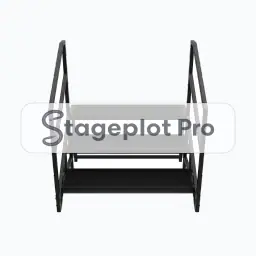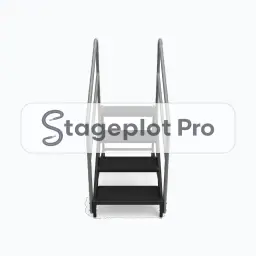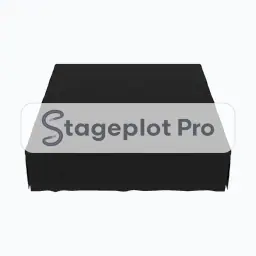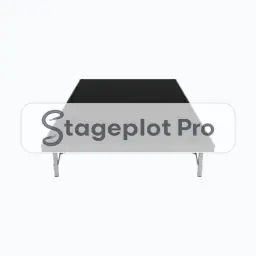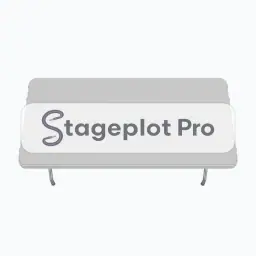
Road Case stage plot icon, Cases, Stairs, Risers, Trusses gear in the Stageplot Pro library
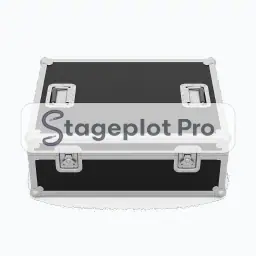
Road Case stage plot icon. This public preview carries a watermark; the version inside the editor does not.

Cases, Stairs, Risers, Trusses

Road Case Stage Plot Icon

The Road Case icon covers the physical side of a stage plot. It sets the physical geometry every other piece of gear has to work around, which is easy to overlook and expensive to get wrong on show day.

Place it, rotate it, and give it a label that matches the language your crew already uses. The export keeps all of it.

Input list
No input list rows
Mic or DI default
Not an audio source
Plan
Included with Pro

Using the Road Case icon on a stage plot

Where it goes on stage

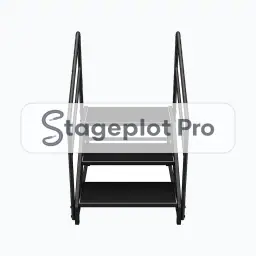
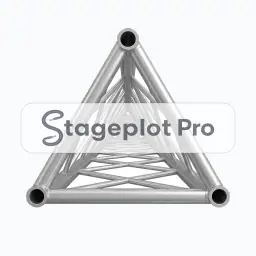
Stage position is the thing that gets argued about at load in, so it is worth drawing accurately. Risers sit upstage centre or upstage left of the kit. Stairs face the side the performers enter from, and truss goes where it can be flown or ground supported without fouling a sightline. If the room forces a compromise, move the icon and export again. A fresh PDF is cheap; an argument at load in is not.

What the crew needs to know

One thing worth writing down. Give riser dimensions and height in the plot notes. Icons show position; numbers settle the build.

On the input list

Road Case is not an audio source, so it adds no rows to the input list. It is there to make the drawing accurate: it sets the physical geometry every other piece of gear has to work around, and the channel count stays clean because nothing silent is padding it out.

Console exports

Because the input list is generated rather than typed, it exports straight to console: X32 and M32 scene files, Wing scenes, and CSV channel names for the Allen and Heath, DiGiCo, and Yamaha families. See the console guides.

More Cases, Stairs, Risers, Trusses

9 icons share the Cases, Stairs, Risers, Trusses section of the palette. These are the ones most often placed alongside Road Case.

View all Cases, Stairs, Risers, Trusses icons

Gear that usually shares the plot

Sets the physical geometry every other piece of gear has to work around is only part of the picture. These icons come from Furniture, Drum Kits and Safety, the sections that most often appear on the same drawing.