Stage Plot Pro Team /
What Sound Engineers Wish Every Band Knew Before Load In
Ask any FOH engineer what slows down a changeover and you will hear the same handful of answers. Fix these and your soundcheck gets noticeably shorter.
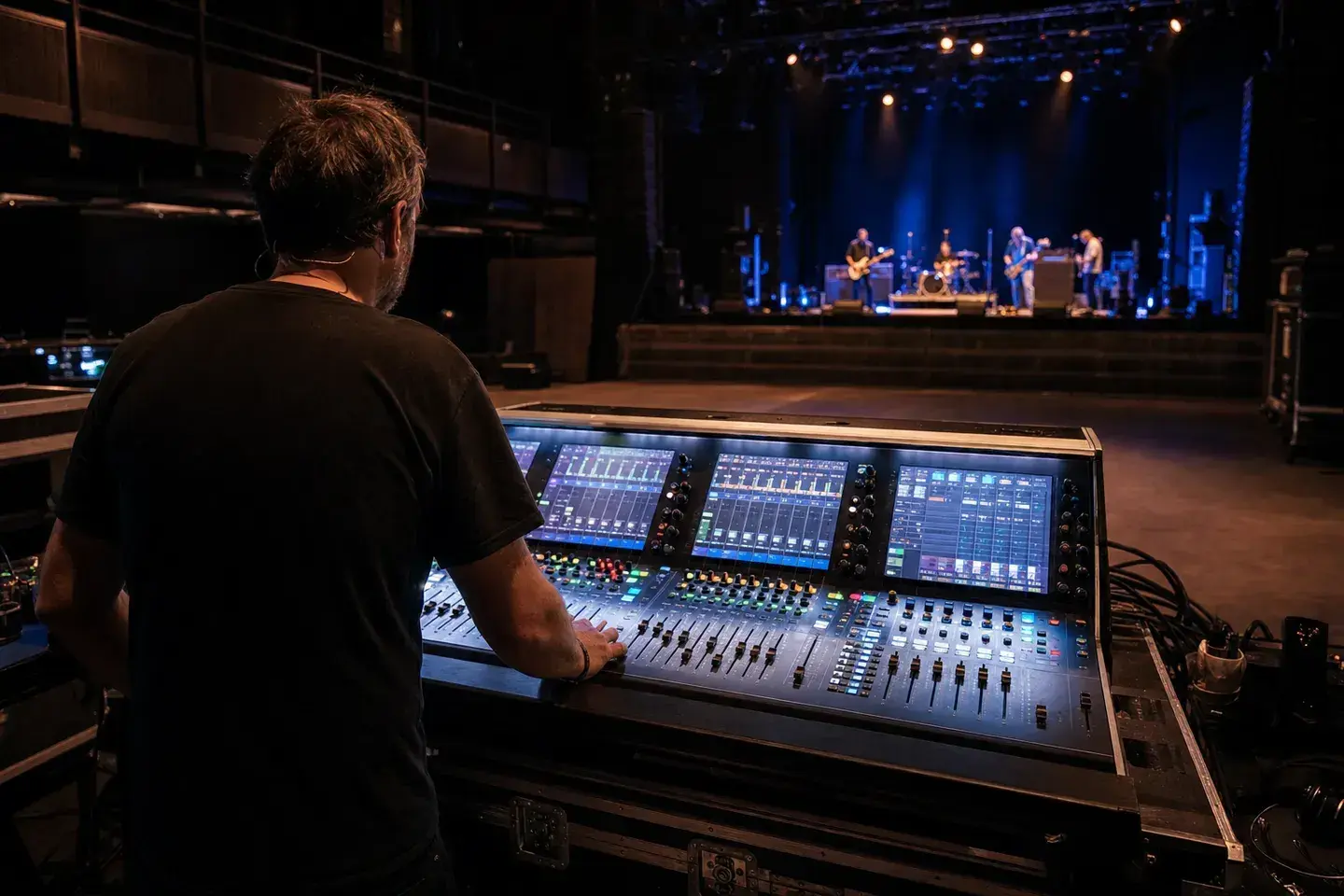
Engineers do not want your gear list, they want a diagram
Bands send a lot of information before a gig: a genre note, a rough set
time, sometimes a full technical rider with amp models and pedalboard
specs. What actually saves time at load in is much simpler: a diagram of
where everyone stands and what channel each thing needs. An engineer
patching from a plot can pre-build the show file before you arrive. An
engineer working from a text message list of gear cannot, because a list
does not say whether the bass DI sits stage left or stage right, or which
vocal mic belongs to which stand.
A DI or a pedal does not add a channel, the instrument does
This trips up a lot of bands building their first proper input list.
Running a guitar through three pedals and a DI box does not mean four
channels. It means one channel, because the DI is carrying the same signal
downstream, not generating a new one. The same logic applies to effects
loops and splitters. What determines your channel count is the number of
distinct sound sources on stage, not the number of boxes between the
instrument and the snake. Get this wrong on paper and the engineer either
over-patches and wastes channels, or under-patches and someone's DI has
nowhere to go when they actually plug in.
Monitor requests during soundcheck cost everyone time
"More me" mid-soundcheck is not a monitor engineer's favorite phrase,
mostly because it means the mix has to be rebuilt from a guess instead of a
plan. If your stage plot marks which performer is on which wedge or IEM
pack, and roughly what they need in it, vocals up, kick and bass down, the
monitor engineer can get close before you even step up to the mic. That is
the entire idea behind building your monitor
mixes alongside your stage plot instead of
figuring it out live in front of a room full of people waiting for you to
start.
Bring something the engineer can actually use on the day
A photo of a plot from a different lineup, a plot with no input list, or a
plot where every mic is labeled generically as "vocal mic" all create the
same problem: the engineer has to fill in gaps under time pressure. What
they actually want is current, specific, and readable at a glance. Our
guide on working with sound engineers
goes deeper into what belongs in that handoff and how to time it so it
reaches FOH before doors, not while you are setting up.
Build it once, reuse it every gig
You do not need to redo this work every time you book a show. Start from a
layout close to your band, like the five piece rock
band template or the jazz
trio template, adjust it to match your
actual gear, and save it. The Stage Plot Pro editor keeps
your input list in sync with whatever you place on the canvas, so the plot
you hand an engineer always matches what is actually going to show up on
their stage.
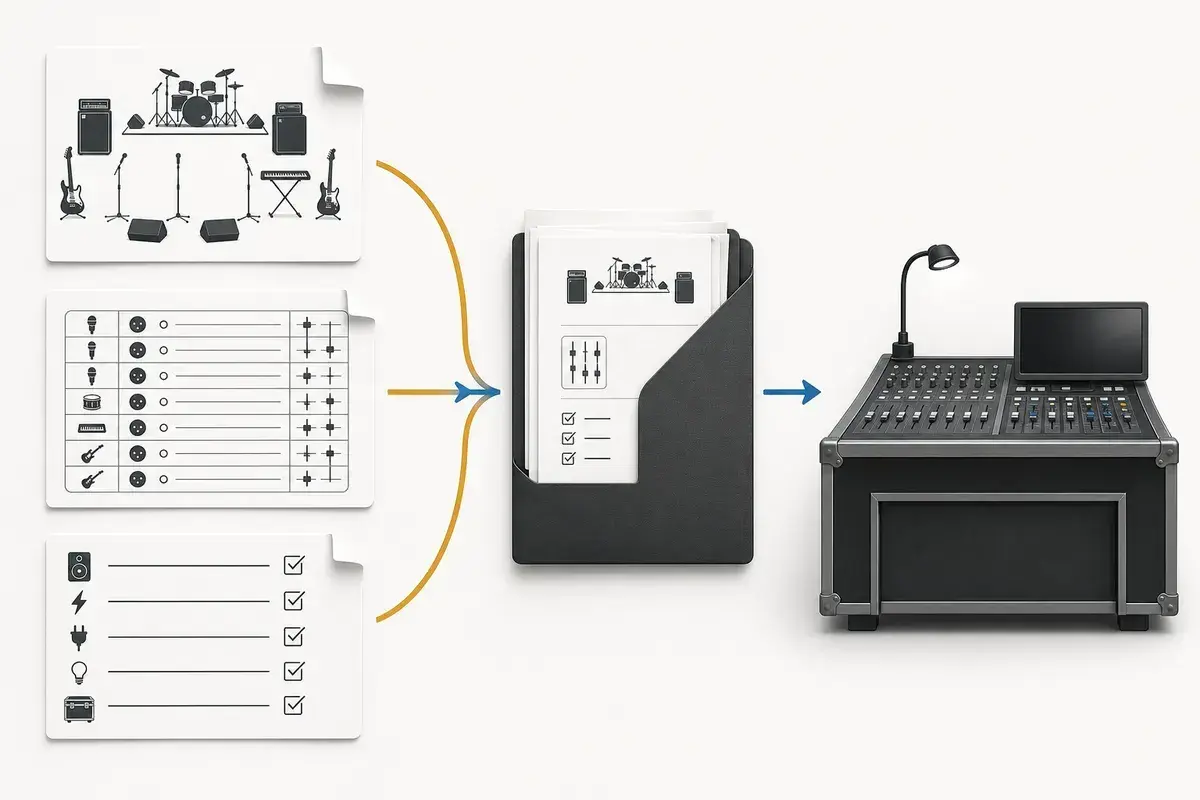
A real-world production scenario
Most difficult soundchecks are not caused by a lack of expensive equipment. They begin with missing information, unexpected sources, uncontrolled stage volume, or a monitor conversation that starts only after the house mix is ready. Engineers can solve many technical problems, but they cannot prepare a patch for channels that were never listed or reserve outputs for IEM mixes nobody mentioned.
A repeatable workflow
- Send a current plot and matching input list early enough for questions to be answered.
- Arrive with instruments, power supplies, adapters, batteries, playback files, and known-good cables tested.
- Set amplifier and acoustic-instrument volume at a level that leaves the PA and monitors room to work.
- During line check, play one source at a time and follow the engineer’s order rather than rehearsing.
- During monitor check, ask for one specific change at a time and identify the mix by performer or number.
The order matters. It moves from known facts to local decisions and leaves the room-dependent work with the people who can hear and inspect the system. Skipping directly to preferences is how a polished document becomes difficult to execute.
Decisions to settle before the show
- Who is the band’s single technical contact?
- Which substitutions are acceptable when a preferred microphone or DI is unavailable?
- What is the minimum monitor plan that still lets the band perform?
- Which sources must stay out of the PA or selected monitor mixes?
If an answer depends on the venue, write the question and the preferred solution instead of presenting an assumption as a requirement. That gives production something concrete to confirm and prevents avoidable surprises at load-in.
Make the handoff unambiguous
Professional communication is concrete and calm. “Mix 2 needs more lead vocal and less guitar” can be acted on immediately. “The monitors are bad” cannot. The same principle applies before the show: an accurate 18-channel list is more valuable than a polished 24-channel rider copied from a previous lineup.
The final package should survive a quick read on a phone, a printed copy at the stage rack, and a conversation over intercom. Use current filenames, readable labels, and the same terminology everywhere. When the documents disagree, the crew has to stop and discover which version reflects the real show.
Prove the plan before load-in
Do a tabletop check with someone who did not build the document. Give them two minutes and ask them to explain the physical setup, count the required inputs and outputs, identify artist-supplied gear, and point to the first likely production question. Do not coach them through it. Every pause exposes a label, assumption, or missing relationship that will also slow a venue crew.
Then trace the workflow in signal-flow order. Start with the source, follow the connection to the stage input, confirm the console channel or destination, and finish at the required PA, monitor, recording, or show-control output. This catches a different class of mistake than proofreading. A document can be spelled perfectly while describing an impossible or incomplete route.
Control revisions like production equipment
Keep one master version, create deliberate venue-specific copies, and place the revision date where it remains visible after printing or separating pages. A descriptive filename with the band name, document type, and ISO date is easier to trust than a file called final-v2-new. When a last-minute change is unavoidable, state exactly what changed in the email instead of forcing production to compare two PDFs.
After the show, update the master only when the change will travel. A one-night local substitution belongs in the venue notes; a new keyboard, vocalist, playback output, or monitor system belongs in the master. That discipline keeps useful local compromises from quietly becoming false requirements on every future date.
Final preflight checklist
- Confirm the lineup, stage orientation, source count, monitor count, and ownership of all artist-supplied equipment.
- Compare the plot, input list, and rider for the same names and revision date.
- Identify substitutions and fallbacks before they become time-critical.
- Open every exported file once and check that text, images, and page breaks remain readable.
- Send one technical contact who can answer production questions promptly.