Stageplot Pro Team /
Why Crews Stop Trusting Stage Plots, and How to Fix It
A stage plot earns trust when it is current, clear, and matched to the input list. Learn why crews ignore bad plots and how bands can make theirs useful.
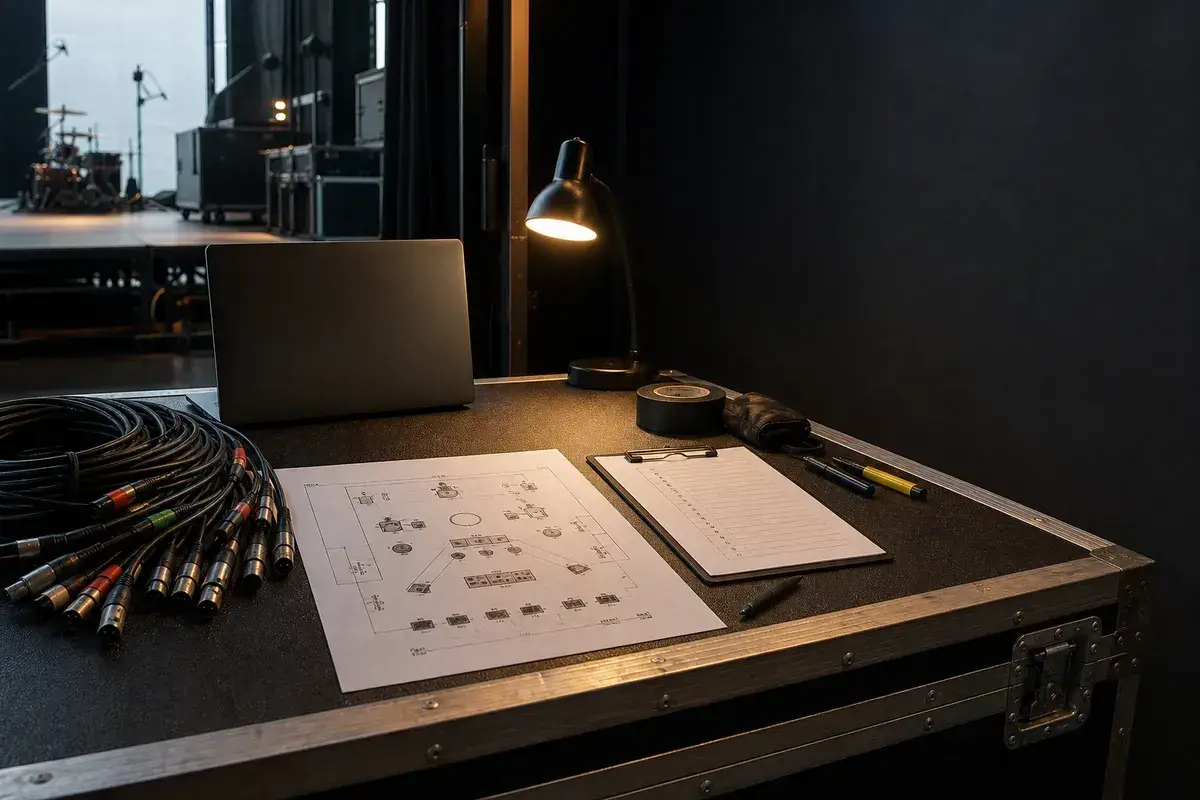
A plot is a promise, not a piece of artwork
Most engineers want to use a stage plot. It can save a surprising amount of time before a band arrives: microphone stands can land in the right place, DIs can be counted, monitor mixes can be planned, and a small stage can be laid out before the first case rolls through the door.
The reason some crews stop opening plots is not that the format is useless. It is that the document is often wrong. An old lineup, a missing playback rack, an extra vocalist, or a house-backline assumption that was never confirmed can turn pre-production into a setup that must be undone at load-in.
The two-minute test
A house engineer usually needs to understand your setup quickly. In that short read, they should be able to answer five questions:
- Who stands where?
- What physical inputs arrive from each position?
- Which sources need a microphone, DI, or special connection?
- How many monitor mixes are required and where do they go?
- What does the band bring versus what does the venue provide?
If a plot requires a key to decode nicknames, visual decoration, or ambiguous channel numbers, it has failed the test. The goal is not to show how much work went into the drawing. The goal is to remove guesswork for someone building your stage under a clock.
Keep the input list and plot together
The plot is spatial. The input list is electrical. They should describe the same show from two useful angles. If the drawing shows a keyboard rig but the list only says Keys, production does not know whether to prepare one DI, a stereo pair, or a submixer. If the list includes an IEM rack and click channel but the plot has nowhere for the rack to live, stage crew cannot plan the physical setup.
Build the documents from one current source, then make a final comparison before every important date. Our stage plot checklist and band input list template cover the practical details.
Accuracy matters more than preference
An engineer may reorder channels, choose an equivalent microphone, or adapt the monitor plan to the room. That is normal. A good plot gives them accurate facts and separates those facts from preferences. Write venue equivalent acceptable when that is true. Put a non-negotiable requirement in the rider with a short reason.
Do not list every pedalboard detail unless it changes an input, power, placement, or changeover. Do list the things that change the plan: playback, a left-handed kit, a direct XLR modeler output, a shared monitor mix, extra power drops, or a guest vocal that needs a real channel.
Treat updates as part of the show
The cleanest advance is the one that arrives early and still matches the stage on show day. When the lineup or rig changes, update the plot, input list, rider, and file name together. Use a simple date or revision in the PDF name, and give production one technical contact who can confirm a question quickly.
That habit earns trust. The next time a crew sees your band name in an advance, they know the document is worth opening, and that is the real value of a stage plot.
Build a current plot before the next advance
Start with the actual room and the gear that will travel, not an old drawing from a different version of the band. Use the free Stageplot Pro editor to keep the placement and input plan aligned, then send the finished package with a clear advance email.
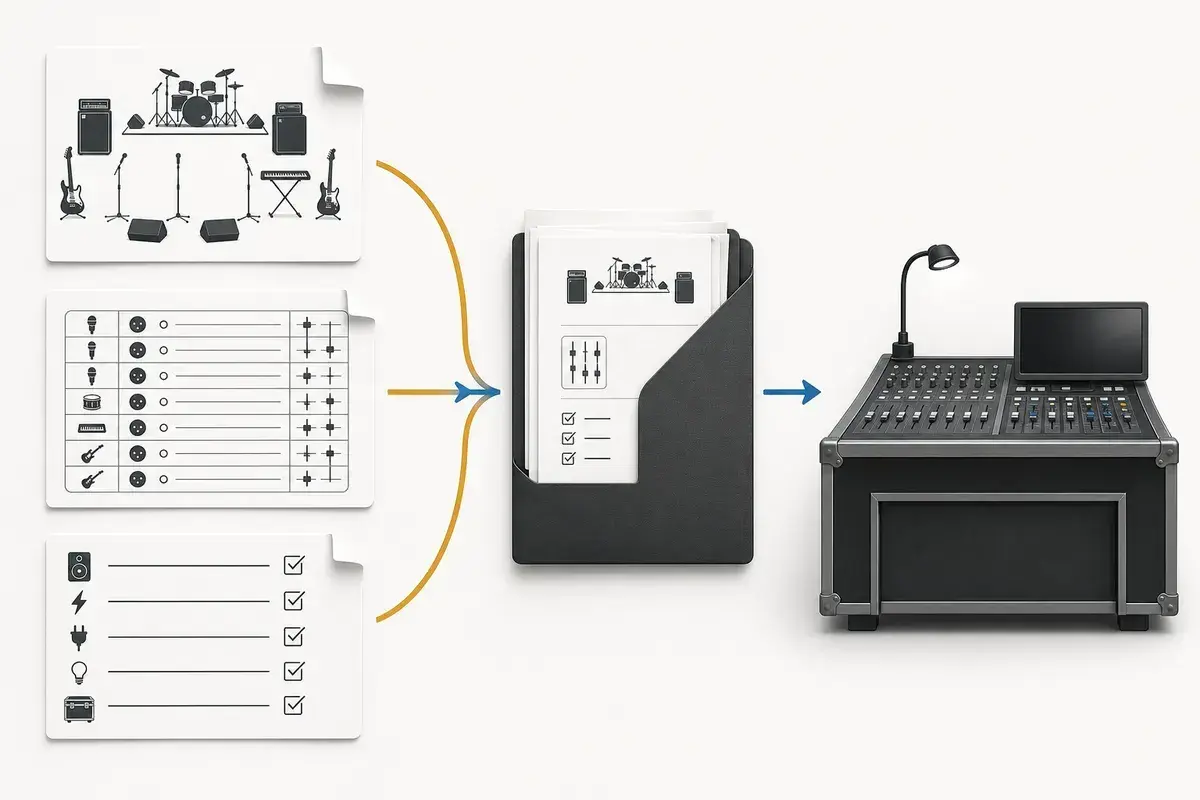
A real-world production scenario
Trust is lost when a document looks authoritative but fails the first physical comparison. A crew that finds two unlisted playback channels, a missing vocalist, or a monitor count that does not match the drawing will reasonably stop treating the rest as dependable. From that point on, every label must be reconfirmed on stage, eliminating the time the advance was supposed to save.
A repeatable workflow
- Name one person as owner of the plot, input list, and rider revision.
- Update from the actual traveling rig and lineup, then compare the three documents side by side.
- Run a two-minute review: count people, vocals, DIs, playback outputs, monitor mixes, and special power requirements.
- Mark requests separately from facts so production knows where substitution is possible.
- Retire superseded PDFs and send a single current package with the date in both the document and message.
The order matters. It moves from known facts to local decisions and leaves the room-dependent work with the people who can hear and inspect the system. Skipping directly to preferences is how a polished document becomes difficult to execute.
Decisions to settle before the show
- Which details changed since the previous show?
- Does every plotted source appear on the input list exactly once?
- Do the mix labels agree across plot and monitor request?
- Could a technician unfamiliar with the act identify every artist-supplied item?
If an answer depends on the venue, write the question and the preferred solution instead of presenting an assumption as a requirement. That gives production something concrete to confirm and prevents avoidable surprises at load-in.
Make the handoff unambiguous
The fastest way to rebuild trust is accuracy, not more decoration. If a venue later changes the microphone package or channel order, that does not make the artist document wrong; it is a local production decision. The artist’s responsibility is to describe the sources, positions, priorities, and constraints honestly enough that the local decision can be made quickly.
The final package should survive a quick read on a phone, a printed copy at the stage rack, and a conversation over intercom. Use current filenames, readable labels, and the same terminology everywhere. When the documents disagree, the crew has to stop and discover which version reflects the real show.
Prove the plan before load-in
Do a tabletop check with someone who did not build the document. Give them two minutes and ask them to explain the physical setup, count the required inputs and outputs, identify artist-supplied gear, and point to the first likely production question. Do not coach them through it. Every pause exposes a label, assumption, or missing relationship that will also slow a venue crew.
Then trace the workflow in signal-flow order. Start with the source, follow the connection to the stage input, confirm the console channel or destination, and finish at the required PA, monitor, recording, or show-control output. This catches a different class of mistake than proofreading. A document can be spelled perfectly while describing an impossible or incomplete route.
Control revisions like production equipment
Keep one master version, create deliberate venue-specific copies, and place the revision date where it remains visible after printing or separating pages. A descriptive filename with the band name, document type, and ISO date is easier to trust than a file called final-v2-new. When a last-minute change is unavoidable, state exactly what changed in the email instead of forcing production to compare two PDFs.
After the show, update the master only when the change will travel. A one-night local substitution belongs in the venue notes; a new keyboard, vocalist, playback output, or monitor system belongs in the master. That discipline keeps useful local compromises from quietly becoming false requirements on every future date.
Final preflight checklist
- Confirm the lineup, stage orientation, source count, monitor count, and ownership of all artist-supplied equipment.
- Compare the plot, input list, and rider for the same names and revision date.
- Identify substitutions and fallbacks before they become time-critical.
- Open every exported file once and check that text, images, and page breaks remain readable.
- Send one technical contact who can answer production questions promptly.