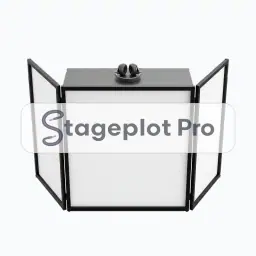
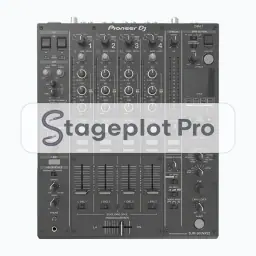
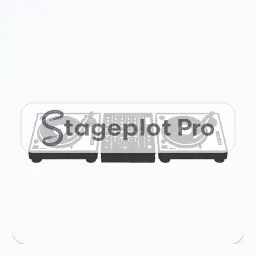
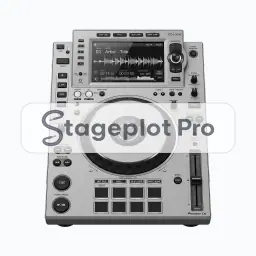
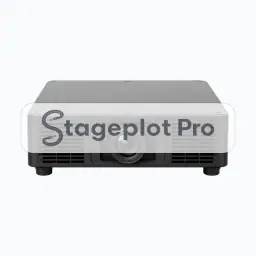
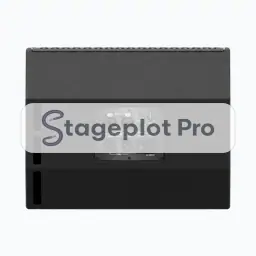
DJ Controller stage plot icon, DJ Equipment gear in the Stageplot Pro library
DJ Controller stage plot icon. This public preview carries a watermark; the version inside the editor does not.

DJ Equipment

DJ Controller Stage Plot Icon

Advancing a show means answering "what is arriving and where does it go". The DJ Controller icon answers both: it marks the booth position and the stereo feed it sends to the console and it holds its position to scale on the printed plot.

Add it, label it, and save the plot. The next time this band books, the layout is already done.

Category
DJ Equipment (9 icons)
Input list
2 channels
Mic or DI default
DI
Plan
Included with Pro

Using the DJ Controller icon on a stage plot

Where it goes on stage

Put it where it will really stand, not where it is convenient to draw. Booths sit downstage left or downstage right, angled so the operator can see the room and the band at the same time. Stageplot Pro keeps every icon to scale, so the spacing you draw is the spacing the crew builds.

What the crew needs to know

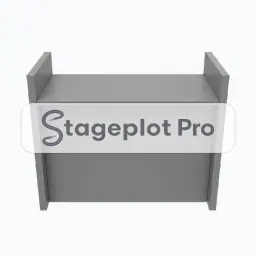
The detail that saves a phone call. Confirm booth table height and whether the venue supplies it. DJ gear very rarely travels with its own table.

On the input list

DJ Controller is a stereo source, so it produces 2 channels on the input list, L and R. Both default to a DI input, no stand and phantom power off. It sorts at position 8 in the drums first, vocals last channel order that front of house engineers expect.

Console exports

Because the input list is generated rather than typed, it exports straight to console: X32 and M32 scene files, Wing scenes, and CSV channel names for the Allen and Heath, DiGiCo, and Yamaha families. See the console guides.
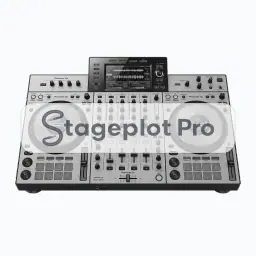
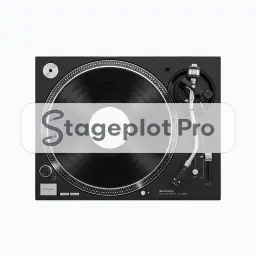
More DJ Equipment

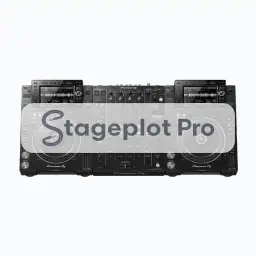
9 icons share the DJ Equipment section of the palette. These are the ones most often placed alongside DJ Controller.

View all DJ Equipment icons

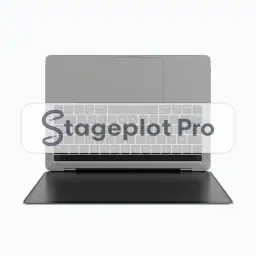
Gear that usually shares the plot

Marks the booth position and the stereo feed it sends to the console is only part of the picture. These icons come from Misc Tech, PA and Monitors, the sections that most often appear on the same drawing.