6 icons in this category
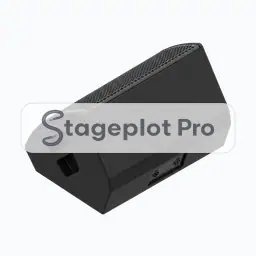
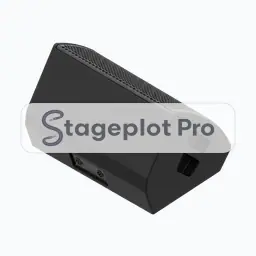
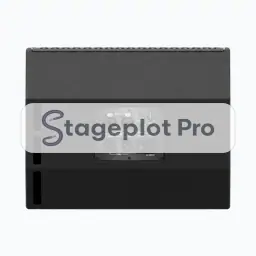
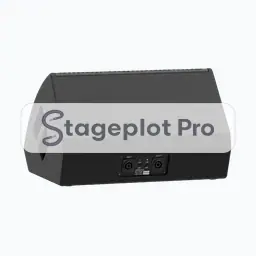
Monitors stage plot icons
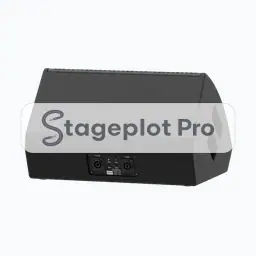
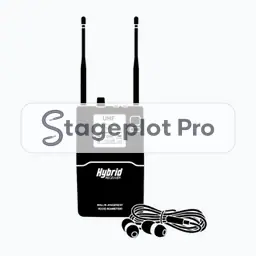
Monitor icons describe what the performers hear. A wedge on a plot is really a mix request, so numbering wedges on the drawing is the fastest way to communicate a monitor plan. Stageplot Pro derives a monitor mix list from these positions rather than making you write one out separately.
Where it goes. Wedges sit downstage of each performer, angled up and away from the vocal mic to protect gain before feedback. Side fills sit at the wings, firing across the stage.
Worth confirming. Number the mixes on the plot. Unnumbered wedges get patched in whatever order the crew happens to find them.
All 6 Monitors icons
Every icon below has its own page covering placement, input list behaviour, and the gear most often placed next to it.
Categories that usually appear alongside Monitors
Stage plots are rarely single category drawings. These sections carry the gear that tends to sit next to monitors on the same plot.