Stage Plot Pro Team /
Festival Season Prep: Get Your Stage Plot Ready to Go
Festival changeovers run on minutes, not hours. Here is how to prep a stage plot and input list that keeps your set from eating into the next band's time.
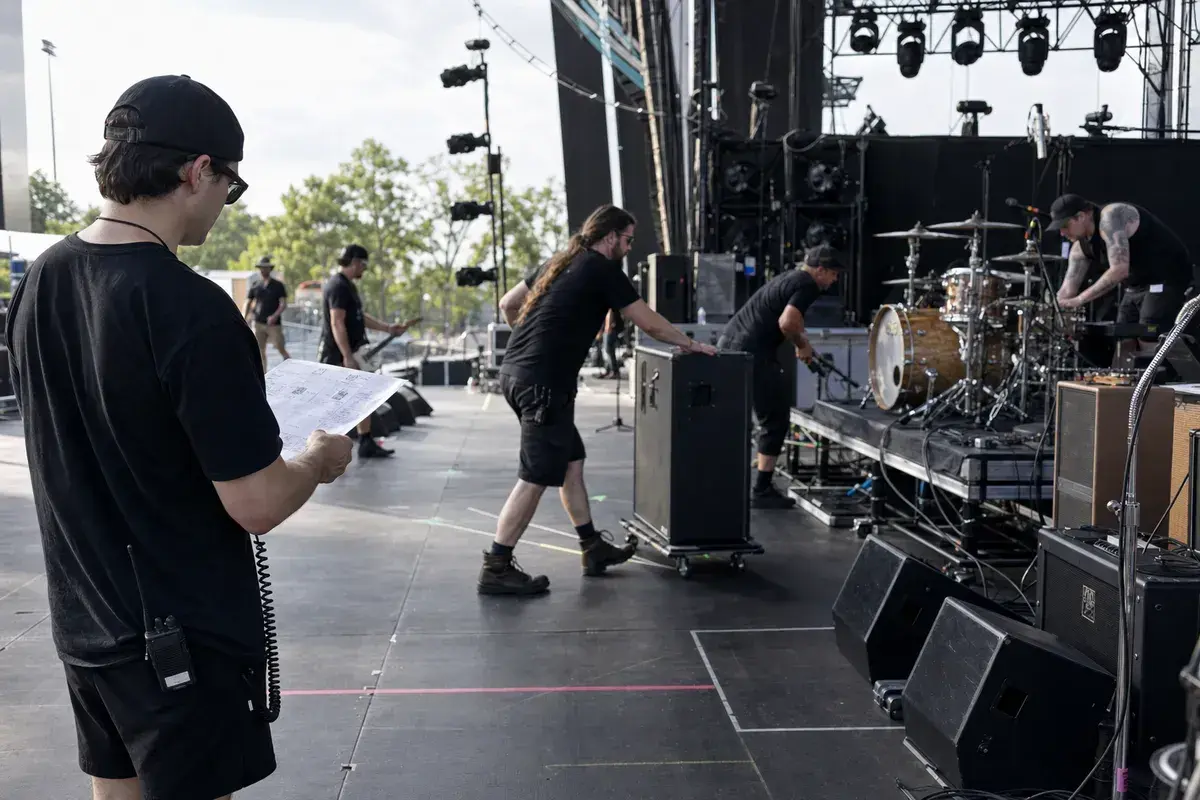
Festival stages do not forgive a slow changeover
A club gig gives you room to fix a patching mistake mid-soundcheck. A
festival stage does not. Production is often running a twenty to thirty
minute changeover between bands, sometimes less on a packed day bill, and
that window covers striking the last band's backline, patching yours, and
getting a usable monitor mix before your downbeat. If your stage plot
shows up incomplete, wrong, or not at all, that time comes out of your set,
not out of the schedule.
Send it before the advance deadline, not on the day
Most festival production teams ask for a stage plot and input list weeks
out, and they build their patch sheet from what you send. If what you send
does not match what actually shows up on stage, the crew is troubleshooting
live instead of executing a plan they already built. Keep your plot current
right up to the gig. If a band member's rig changed since you last sent it,
a new DI, a swapped pedal, an added in-ear pack, update the plot before you
walk in, not after the changeover has already started.
Build for the stage plot they asked for, not the one you're used to
Club stage plots and festival stage plots serve different needs. A festival
patch sheet usually needs to line up with a shared backline or a house
console preset, so clarity on channel count and input type matters more
than exact stage positioning. Our festival stage plots
guide covers what production teams specifically look for in that handoff,
and it is worth a read even if you already know how to build a plot for a
normal gig.
Start from a lineup close to yours
If you are building from scratch, start from a template close to your
actual band size instead of a blank stage. A five piece rock
band template or a punk four
piece template both give you a
sensible starting layout for a typical festival slot, drums upstage centre,
amps on the backline, vocals out front where the crew expects them. Adjust
positions and gear to match your real setup, and the input list builds
itself as you go.
Have your tech rider ready alongside the plot
A stage plot tells the crew where things go. A tech rider tells them what
each thing needs, power, risers, DI count, backline you are borrowing
versus bringing. Festival advance teams usually want both, and having them
built together avoids the gap where your plot says four DIs but your rider
never mentioned them. Our tech rider guide
walks through what belongs in that document.
Get it done before you are standing in a field
Build your festival stage plot in the Stage Plot Pro editor
while you still have a real internet connection and time to double check
channel counts, not from your phone in a parking lot an hour before doors.
Export the PDF, attach it to your advance email, and you have done the one
thing that actually buys your band time on a stage where nobody has any to
spare.
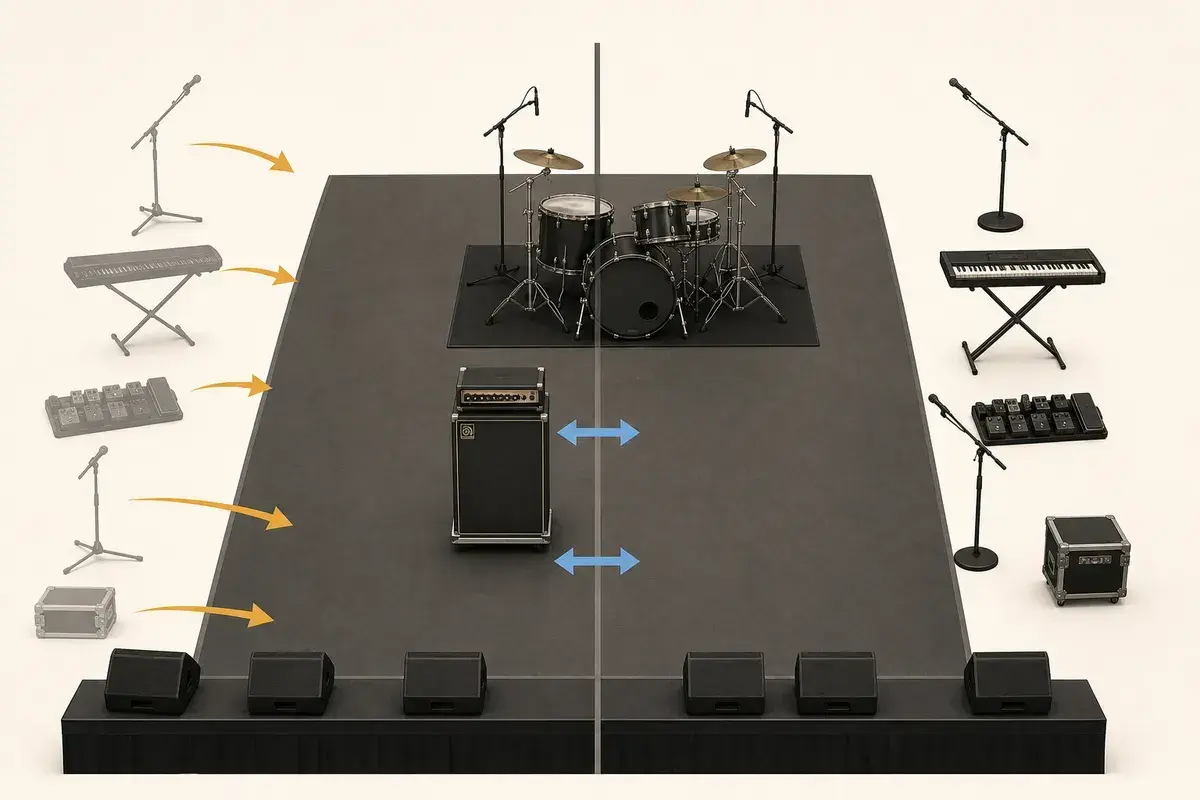
A real-world production scenario
A festival stage plot is read under time pressure by people who may have learned your band name only minutes earlier. The document must help a stage manager identify what stays, what rolls, what plugs in, and what can be checked before your changeover clock starts. A beautiful club plot can still fail at a festival if it hides shared backline, riser moves, patch locations, or the difference between artist-supplied and house-supplied gear.
A repeatable workflow
- Create a festival-specific revision instead of reusing the club document unchanged.
- Mark shared drums, amplifiers, keyboard stands, DJ tables, and risers with ownership and acceptable substitutions.
- Group incoming gear into rollable packages and show the final landing position for each package.
- Reduce repatching by matching the festival channel order where production supplies one, while keeping source names recognizable.
- Advance the mono fallback, reduced monitor plan, and minimum viable mic package before travel day.
The order matters. It moves from known facts to local decisions and leaves the room-dependent work with the people who can hear and inspect the system. Skipping directly to preferences is how a polished document becomes difficult to execute.
Decisions to settle before the show
- Can the drummer use the shared shell pack, and what must still be changed?
- Which amplifiers are mandatory and which are preferences?
- Can two performers share a wedge if output count is limited?
- What gets cut first if the stage or line-check window is smaller than expected?
If an answer depends on the venue, write the question and the preferred solution instead of presenting an assumption as a requirement. That gives production something concrete to confirm and prevents avoidable surprises at load-in.
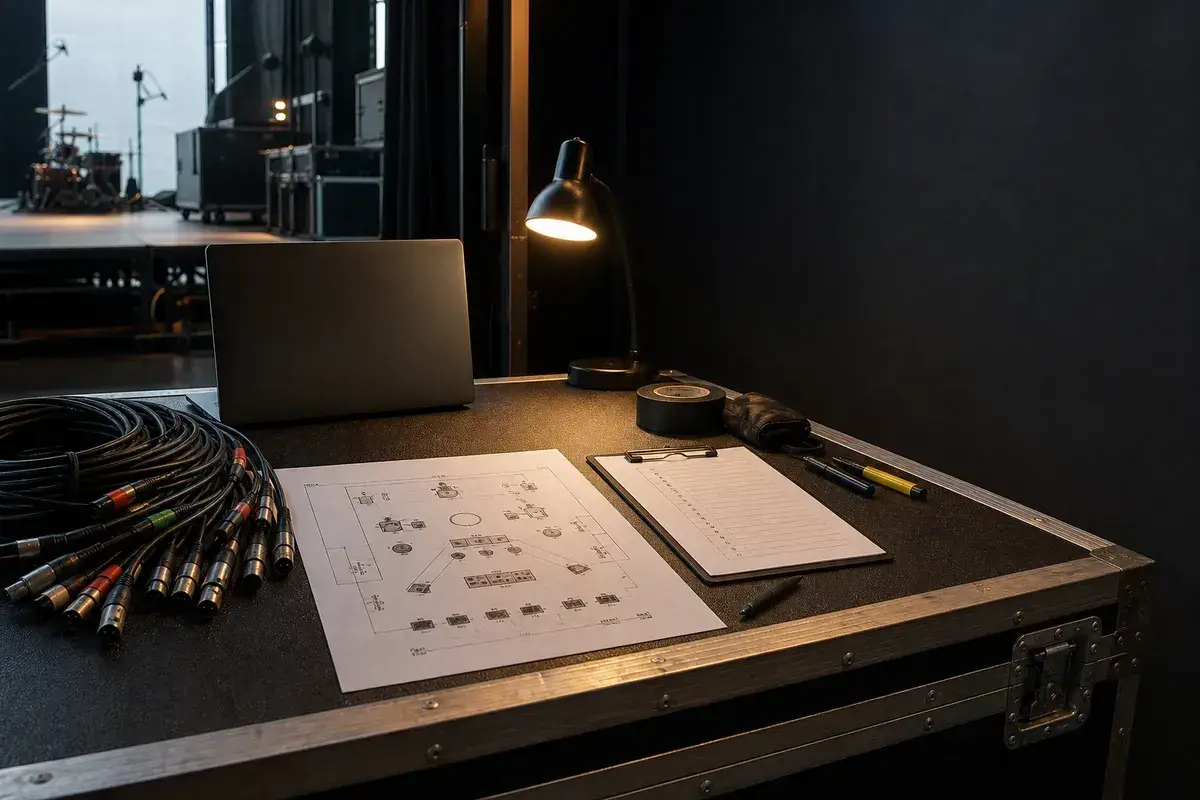
Make the handoff unambiguous
Send one current PDF with a revision date, one matching input list, and a short changeover note. The stage manager should be able to circle artist gear, underline house gear, and call the next move without phoning the bandleader. If a compromise has already been approved, write it down; verbal agreements disappear quickly on a multi-stage day.
The final package should survive a quick read on a phone, a printed copy at the stage rack, and a conversation over intercom. Use current filenames, readable labels, and the same terminology everywhere. When the documents disagree, the crew has to stop and discover which version reflects the real show.
Prove the plan before load-in
Do a tabletop check with someone who did not build the document. Give them two minutes and ask them to explain the physical setup, count the required inputs and outputs, identify artist-supplied gear, and point to the first likely production question. Do not coach them through it. Every pause exposes a label, assumption, or missing relationship that will also slow a venue crew.
Then trace the workflow in signal-flow order. Start with the source, follow the connection to the stage input, confirm the console channel or destination, and finish at the required PA, monitor, recording, or show-control output. This catches a different class of mistake than proofreading. A document can be spelled perfectly while describing an impossible or incomplete route.
Control revisions like production equipment
Keep one master version, create deliberate venue-specific copies, and place the revision date where it remains visible after printing or separating pages. A descriptive filename with the band name, document type, and ISO date is easier to trust than a file called final-v2-new. When a last-minute change is unavoidable, state exactly what changed in the email instead of forcing production to compare two PDFs.
After the show, update the master only when the change will travel. A one-night local substitution belongs in the venue notes; a new keyboard, vocalist, playback output, or monitor system belongs in the master. That discipline keeps useful local compromises from quietly becoming false requirements on every future date.
Final preflight checklist
- Confirm the lineup, stage orientation, source count, monitor count, and ownership of all artist-supplied equipment.
- Compare the plot, input list, and rider for the same names and revision date.
- Identify substitutions and fallbacks before they become time-critical.
- Open every exported file once and check that text, images, and page breaks remain readable.
- Send one technical contact who can answer production questions promptly.