Input Lists
Stage Patching Guide: From Microphone to Mixing Console
Follow the complete stage patch from microphone or DI through cables, stage boxes, snakes, split systems, console inputs, processing, monitors, and the PA.
By Stageplot Pro Editorial Team Updated
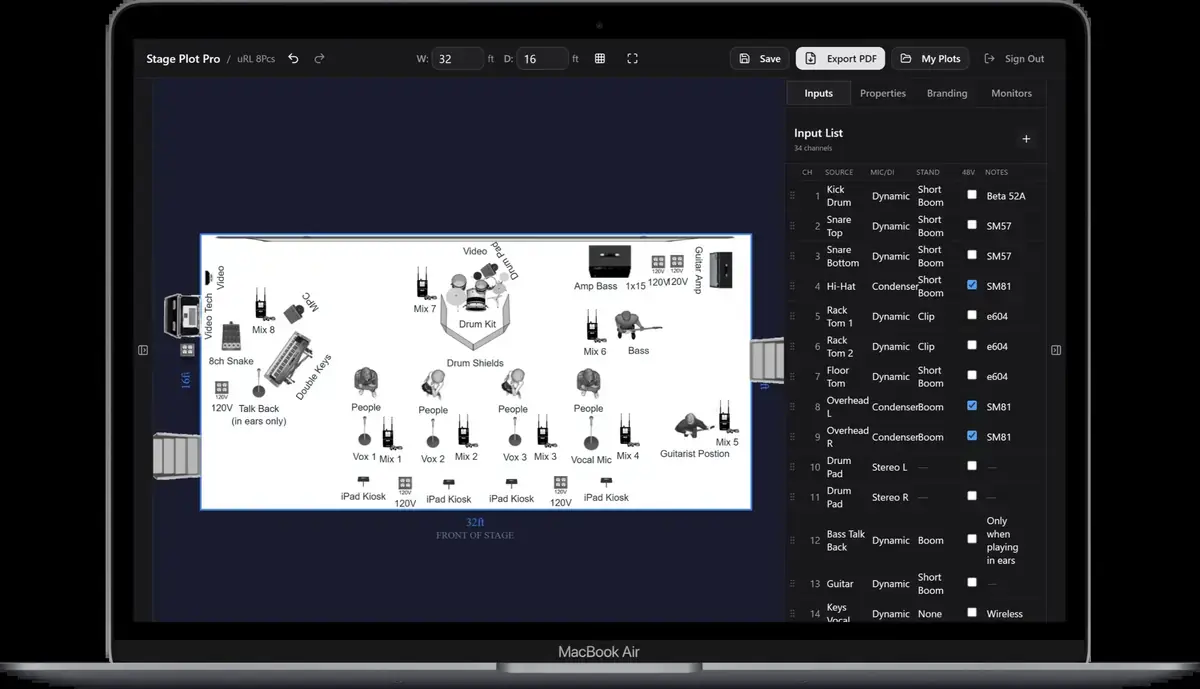
The complete signal path
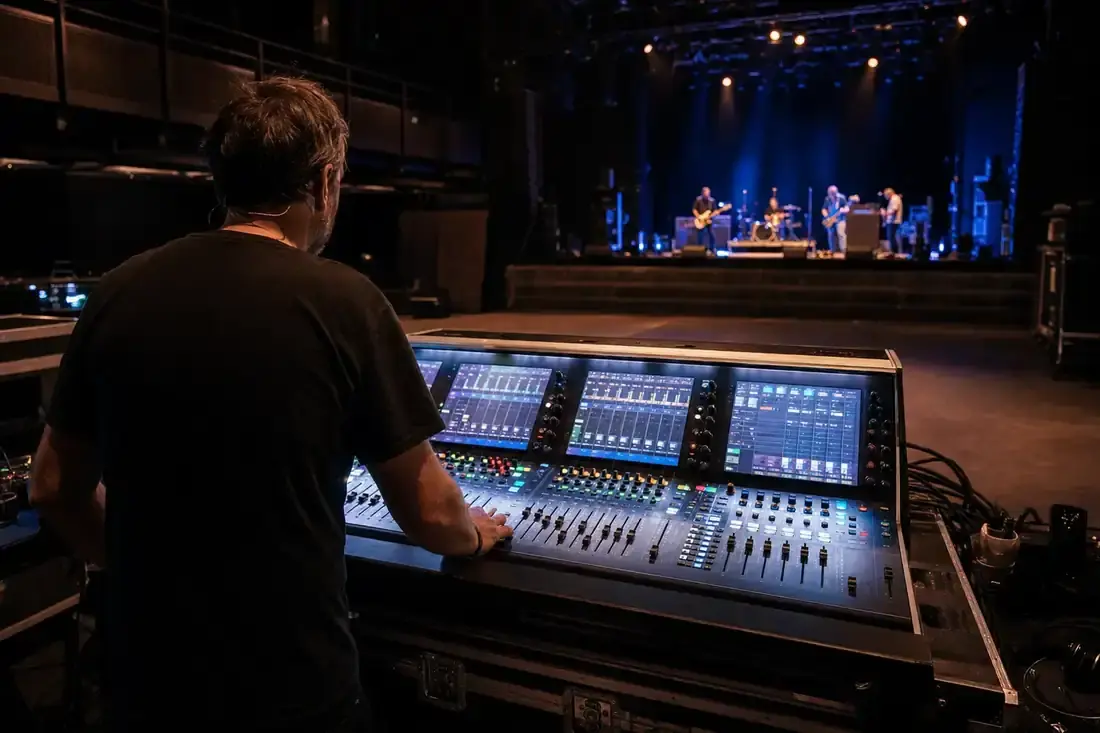
A live input begins as an acoustic or electronic source. A microphone converts acoustic energy into an electrical signal; a DI or isolator adapts an instrument or line output to the balanced connection expected by the stage system. From there, the signal travels through XLR cable to a stage box, then across analog multicore, digital audio transport, or a networked I/O system to the console.
The console preamp establishes level, the channel applies filtering, EQ and dynamics, and routing sends the signal to the main mix, monitor buses, effects, matrices, recording, broadcast, or other destinations.
| Stage | Example |
|---|---|
| Source | Lead vocal |
| Transducer | Dynamic vocal microphone |
| Local cable | XLR from microphone to downstage subsnake input 1 |
| Stage I/O | Subsnake 1 -> main stage box input 17 |
| Transport | Digital stage box over AES50, Dante, MADI, or proprietary link |
| Console input | Channel 17, labelled Lead Vocal |
| Destinations | Main L/R, vocal DCA, monitor mixes, reverb send, recording split |
Microphones and direct inputs
Microphones need the correct physical placement, cable, stand, and sometimes phantom power. Active DIs may run from internal battery, external supply, or 48 V depending on the model. Passive DIs do not need power and are often appropriate for active instruments or line-level sources. Confirm the device rather than assuming every DI should receive phantom power.
Line-level interfaces, DJ mixers, and playback computers may require balanced TRS-to-XLR connections or isolation rather than instrument DIs. The input list should identify what the artist actually provides at the handoff point.
Stage boxes and subsnakes
A subsnake collects several nearby inputs so the stage does not need a long XLR
run from every microphone to the main I/O rack. A drum subsnake might carry the
entire kit to one group of stage-box sockets. Record both ends when the physical
patch matters: Drum sub 1 -> stage box A17.
Digital stage boxes place remote preamps close to the sources and transport many channels over network cable, coax, or fibre. The protocol and console determine whether preamp control, redundancy, clocking, and patch ownership are shared.
Split systems
When front of house and monitors use separate consoles, the microphone signals must reach both systems. An analog transformer-isolated split provides separate outputs before the preamps. A digital split shares channels over a supported network or console ecosystem. The production plan must identify which console owns preamp gain and how the other desk receives a stable level.
Do not promise a digital split simply because both consoles have network ports. Protocol, firmware, sample rate, clocking, and supported routing all need to match.
Patching the console
Physical socket numbers and console channel numbers are not always identical. Stage-box input 17 might feed console channel 1 for the opening act. A patch sheet maps the hardware socket to the processing channel, while the input list describes the artist's desired source order.
Name channels before line check, assign useful colours or banks, create DCAs or groups, and confirm monitor buses. Processing presets are starting points only; gain, EQ, dynamics, and sends must be checked against the real microphone, source, PA, room, and performer.
Troubleshooting in signal-flow order
If a channel is dead, begin at the source. Confirm the performer or device is producing signal, then test the microphone/DI, local cable, subsnake, stage-box socket, transport link, console patch, channel mute, DCA, bus assignment, and destination. Change one variable at a time. Randomly swapping several cables and patch points destroys the evidence that identifies the fault.
Frequently asked questions
Is the stage-box number the same as the console channel?
Not necessarily. Digital and soft-patched consoles can route any physical input to another processing channel, so document the mapping.
Who controls preamp gain on a digital split?
It depends on the console and network design. Establish gain ownership during the advance and use gain tracking or digital trim only where the system supports it.
What should I check first on a dead input?
Start at the source and move forward one stage at a time. Confirm source, transducer or DI, cable, stage I/O, transport, console patch, routing, and destination.
Field workflow: turn the advice into a usable advance
Patching is easiest to understand as one continuous route: source, microphone or DI, cable, stage input, transport, console channel, bus or matrix, output, and destination. Troubleshooting should follow the same order. Randomly changing multiple points creates new uncertainty and can hide the original failure.
Use this workflow
- Verify the source produces signal.
- Check microphone, DI, cable, and phantom-power requirements.
- Confirm stage-box socket and console patch agree.
- Set preamp gain and trace the input meter.
- Follow the assigned bus and physical output to the destination.
Working example
If a keyboard is absent at front of house, first confirm the keyboard output and DI input, then the DI thru/output, cable, stage-box socket, console patch, and channel meter. Only after the channel is healthy should the engineer inspect mute groups, buses, matrices, and PA routing.
Engineer’s note
Digital systems add control layers but not magic. A socket can be physically connected while patched to another channel; a network can be online while a subscription or clock domain is wrong. Keep a human-readable input list beside any digital routing file so the intended path remains visible.
Adapt it to the venue without losing the source of truth
Keep one master document for the traveling lineup, then make a deliberate venue or format revision when the stage, backline, channel capacity, monitor system, or performer count changes. Put the revision date in the file and on the page. If a venue proposes a substitution, record the accepted change in the advance thread instead of quietly turning it into a permanent requirement.
When resources are limited, reduce the plan in an agreed order. Protect the sources and outputs that carry timing, pitch, safety, and show control first; simplify preferences second. A tested mono playback feed, shared wedge plan, reduced drum-mic package, or alternate backline choice is useful only when the band has approved it before the changeover clock starts.
Run a two-minute production review
Read the finished package from the perspective of a technician meeting the act for the first time. Count the physical connections, identify the artist handoff points, trace private cues to their destinations, and separate facts from requests. Then compare the terminology across the plot, list, rider, cable labels, and email. A source with three different names becomes three separate troubleshooting questions.
After the show, capture only changes that will travel. Update the master for a new performer, instrument, output, monitor system, or permanent rig change. Leave one-night venue substitutions in the date notes. This keeps a useful local workaround from becoming inaccurate information on every future advance.
Final verification
- Source and destination are named.
- Socket and channel agree.
- Phantom is applied safely.
- Troubleshooting changes one point at a time.
Ask someone who did not build the document to review it for two minutes. If they cannot identify the performers, inputs, monitor plan, ownership, and unresolved questions without coaching, revise the labels before sending it. A fast independent read is the closest rehearsal for how production will use the material.