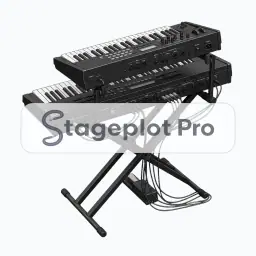
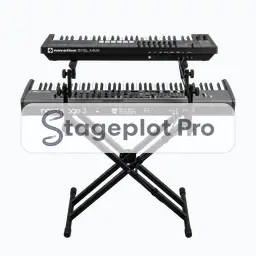
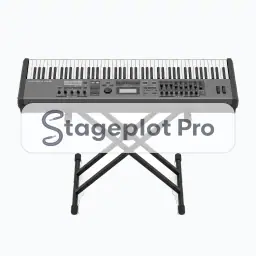
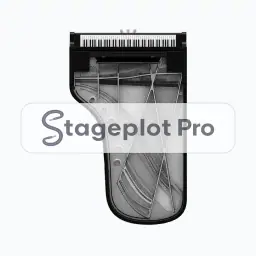
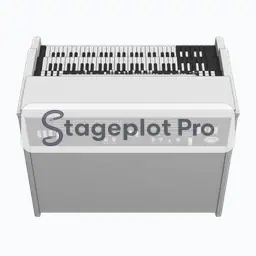
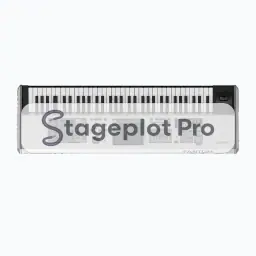
Hammond B3 Organ stage plot icon, Keys gear in the Stageplot Pro library
Hammond B3 Organ stage plot icon. This public preview carries a watermark; the version inside the editor does not.

Keys

Hammond B3 Organ Stage Plot Icon

Hammond B3 Organ is one of 11 Keys icons in the Stageplot Pro library. It marks a keyboard position and the stereo pair it sends to the console, and it carries its own input list behaviour, so the channel count stays honest as the drawing changes.

Position it, scale it, duplicate it for a second player, and the input list follows along without a rebuild.

Category
Keys (11 icons)
Input list
2 channels
Mic or DI default
DI
Plan
Included free

Using the Hammond B3 Organ icon on a stage plot

Where it goes on stage

A plot earns its keep by settling positions before anyone opens a case. Keyboard rigs sit stage left or stage right with the player facing across the stage, so they can see both the drummer and front of house without turning their back on the room. Anything unusual about the position belongs in the plot notes, so the drawing carries its own explanation.

What the crew needs to know

Worth confirming in the advance. Confirm stand type and whether the rig is single or double tier. Height changes the sightline for everyone behind it.

On the input list

Hammond B3 Organ is a stereo source, so it produces 2 channels on the input list, L and R. Both default to a DI input, no stand and phantom power off. It sorts at position 5 in the drums first, vocals last channel order that front of house engineers expect.

Console exports

Channel names travel with the plot. Export a scene file for an X32, M32, or Wing, or a channel name CSV for dLive, Avantis, SQ, DiGiCo, and Yamaha CL and QL. See the console guides.
More Keys

11 icons share the Keys section of the palette. These are the ones most often placed alongside Hammond B3 Organ.

View all Keys icons

Gear that usually shares the plot

Marks a keyboard position and the stereo pair it sends to the console is only part of the picture. These icons come from AC & DI, Monitors and People, the sections that most often appear on the same drawing.