14 icons in this category
AC & DI stage plot icons
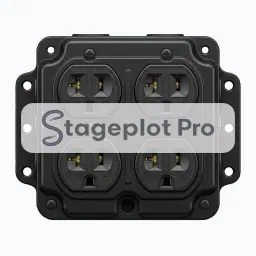
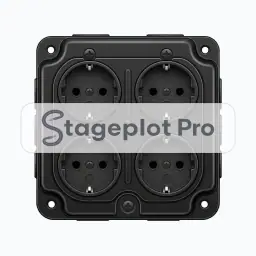
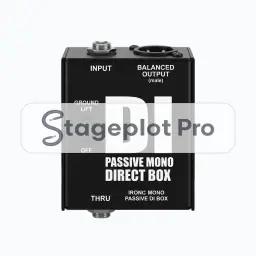
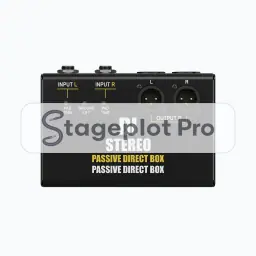
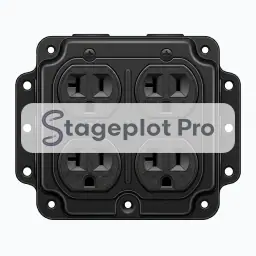
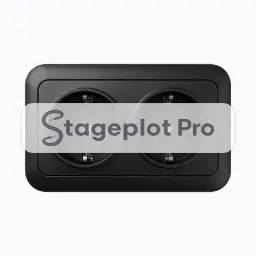
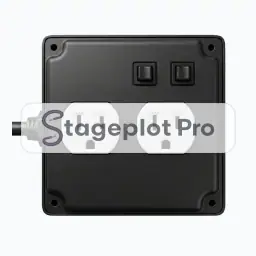
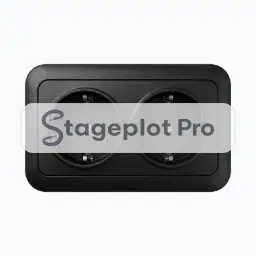
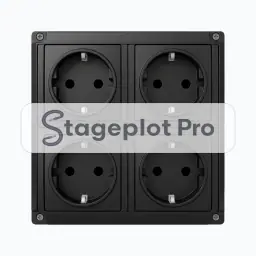
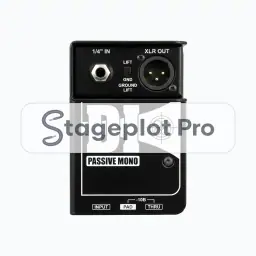
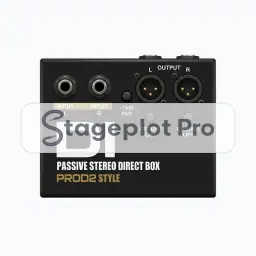
AC and DI icons cover the two things every stage needs before a single note reaches the console: clean power and a clean instrument feed. Marking quad boxes and direct boxes on the plot is what stops a crew running an extension cord across a walking route at load in, and it is what tells the audio department how many DI channels to prep.
Where it goes. Power drops sit upstage of the performer and out of walking lines. Direct boxes sit at the player's feet so the instrument cable stays short and the noise floor stays low.
Worth confirming. Count these before you send the plot. A missing quad box is one of the most common reasons a load in stalls, and it is trivially avoidable on paper.
All 14 AC & DI icons
Every icon below has its own page covering placement, input list behaviour, and the gear most often placed next to it.
Categories that usually appear alongside AC & DI
Stage plots are rarely single category drawings. These sections carry the gear that tends to sit next to ac & di on the same plot.
- Cables21 iconsConnector and cable run icons for documenting XLR, TRS, HDMI, and adapter needs directly on the plot.
- Stageboxes4 iconsSnakes, sub snakes, and stage racks for showing where the copper actually lands.
- Keys11 iconsKeyboards, stacks, organs, and pianos, all treated as stereo sources on the input list.