11 icons in this category
Keys stage plot icons
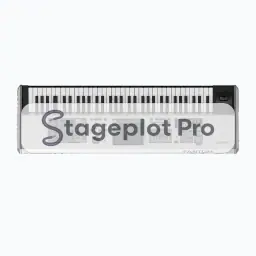
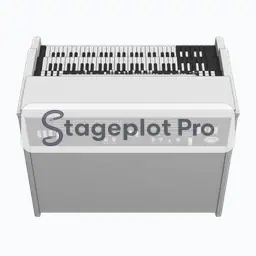
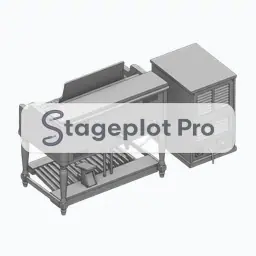
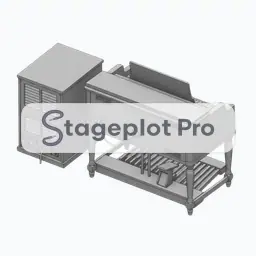
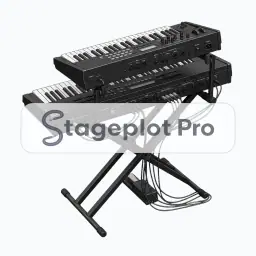
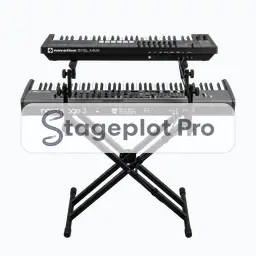
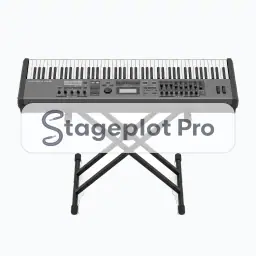
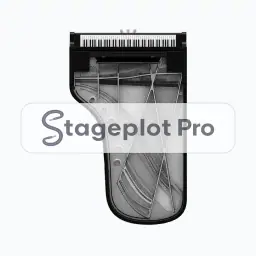
Keyboard icons are stereo by default in Stageplot Pro, so one keyboard on the plot produces a left and right channel on the input list. Stacked rigs and Hammond plus Leslie setups expand further still. Position matters because keyboard rigs are wide, heavy, and need power on both sides of the stand.
Where it goes. Keyboard rigs sit stage left or stage right with the player facing across the stage, so they can see both the drummer and front of house without turning their back on the room.
Worth confirming. Confirm stand type and whether the rig is single or double tier. Height changes the sightline for everyone behind it.
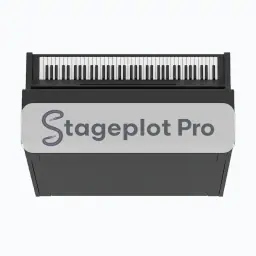
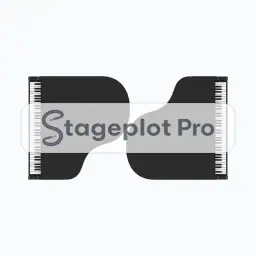
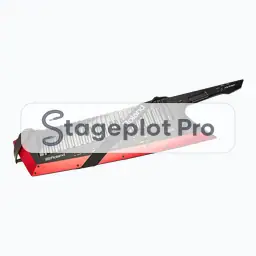
All 11 Keys icons
Every icon below has its own page covering placement, input list behaviour, and the gear most often placed next to it.
Categories that usually appear alongside Keys
Stage plots are rarely single category drawings. These sections carry the gear that tends to sit next to keys on the same plot.
- AC & DI14 iconsPower drops, quad boxes, and direct boxes that tell the crew where AC and DI lines have to land.
- Monitors6 iconsWedges, side fills, and in ear packs for documenting the monitor world on the plot.
- People30 iconsPerformer and crew figures for showing who stands where before any gear is placed.