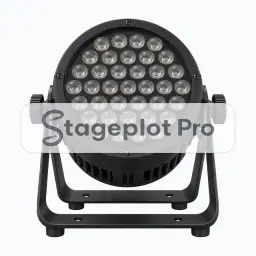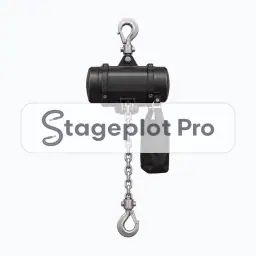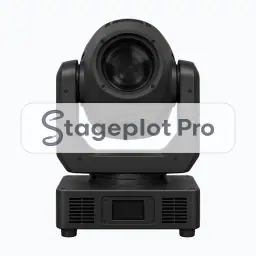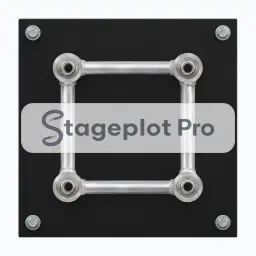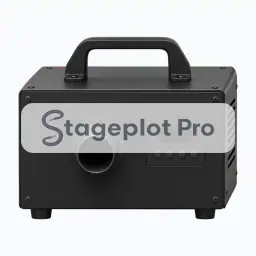
Hazer stage plot icon, Lighting & Rigging gear in the Stageplot Pro library
Hazer stage plot icon. This public preview carries a watermark; the version inside the editor does not.

Lighting & Rigging

Hazer Stage Plot Icon

Hazer is part of the Lighting & Rigging group, 10 icons for the things a venue has to build, place, or supply. On the plot it marks where a light or a piece of rigging stands and what it needs around it.

Position it, scale it, duplicate it for a second player, and the input list follows along without a rebuild.

Category
Lighting & Rigging (10 icons)
Input list
No input list rows
Mic or DI default
Not an audio source
Plan
Included free

Using the Hazer icon on a stage plot

Where it goes on stage

A plot earns its keep by settling positions before anyone opens a case. Totems and T-bar stands go at the upstage corners or in the wings, clear of the walking routes. Floor fixtures sit along the upstage edge or behind the backline, a followspot needs a raised position with a clear view of the stage, and truss is drawn where it will be flown or ground supported. Anything unusual about the position belongs in the plot notes, so the drawing carries its own explanation.

What the crew needs to know

Worth confirming in the advance. Say who supplies each fixture and what power it needs. Haze and fog need the venue's approval, and anything that hangs from a chain hoist needs a rigging plan and a rated point.

On the input list

Hazer is not an audio source, so it adds no rows to the input list. It is there to make the drawing accurate: it marks where a light or a piece of rigging stands and what it needs around it, and the channel count stays clean because nothing silent is padding it out.

Console exports

The input list behind the plot exports as a Behringer X32 or Midas M32 scene file, a Behringer Wing scene, or CSV channel names for Allen and Heath dLive, Avantis, and SQ, DiGiCo, and Yamaha CL and QL desks. See the console guides.

More Lighting & Rigging

10 icons share the Lighting & Rigging section of the palette. These are the ones most often placed alongside Hazer.

View all Lighting & Rigging icons

Gear that usually shares the plot

Marks where a light or a piece of rigging stands and what it needs around it is only part of the picture. These icons come from Cases, Stairs, Risers, Trusses, Video and Safety, the sections that most often appear on the same drawing.