13 icons in this category
Video stage plot icons
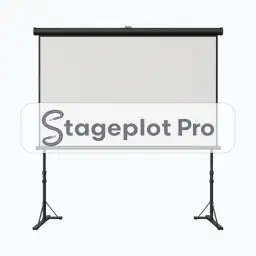
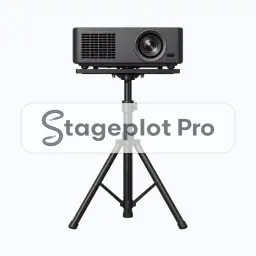
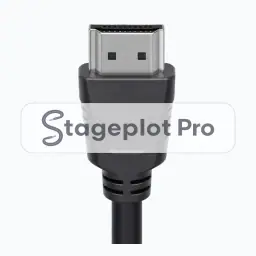
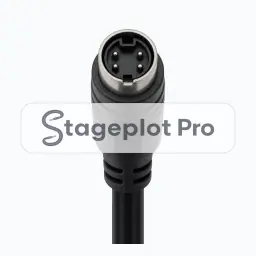
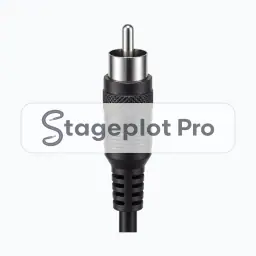
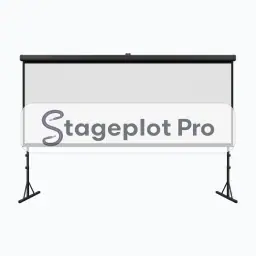
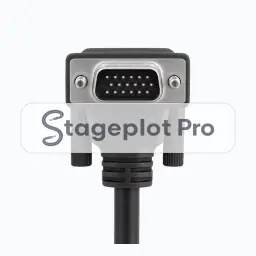
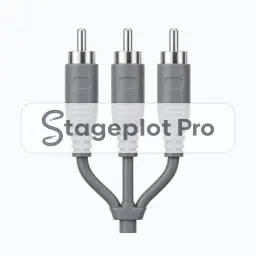
Video icons place the visual package on the stage plot. LED walls and screens compete directly with backline for upstage space and with lighting for power, so drawing them early stops a wall arriving with nowhere to stand. Feed and connector icons document exactly what signal the venue has to provide.
Where it goes. Walls and screens sit upstage of the band and raised where possible, so the top of the picture clears the drum riser and the heads in front of it.
Worth confirming. Confirm the source and the connector for every feed. Video is where most show day signal problems begin.
All 13 Video icons
Every icon below has its own page covering placement, input list behaviour, and the gear most often placed next to it.




Categories that usually appear alongside Video
Stage plots are rarely single category drawings. These sections carry the gear that tends to sit next to video on the same plot.
- Misc Tech4 iconsLaptops, interfaces, and control hardware that live on stage but are not instruments.
- Cables21 iconsConnector and cable run icons for documenting XLR, TRS, HDMI, and adapter needs directly on the plot.
- Cases, Stairs, Risers, Trusses9 iconsRisers, stair units, road cases, and truss for plots where the stage has real levels and structure.