Tech Riders
Band Technical Rider Template for Clear Venue Advances
Build a concise technical rider for your band with a stage plot, input list, monitors, backline, power, timing, clear contacts, and advance-ready notes.
By Stageplot Pro Editorial Team Updated
What a usable rider looks like
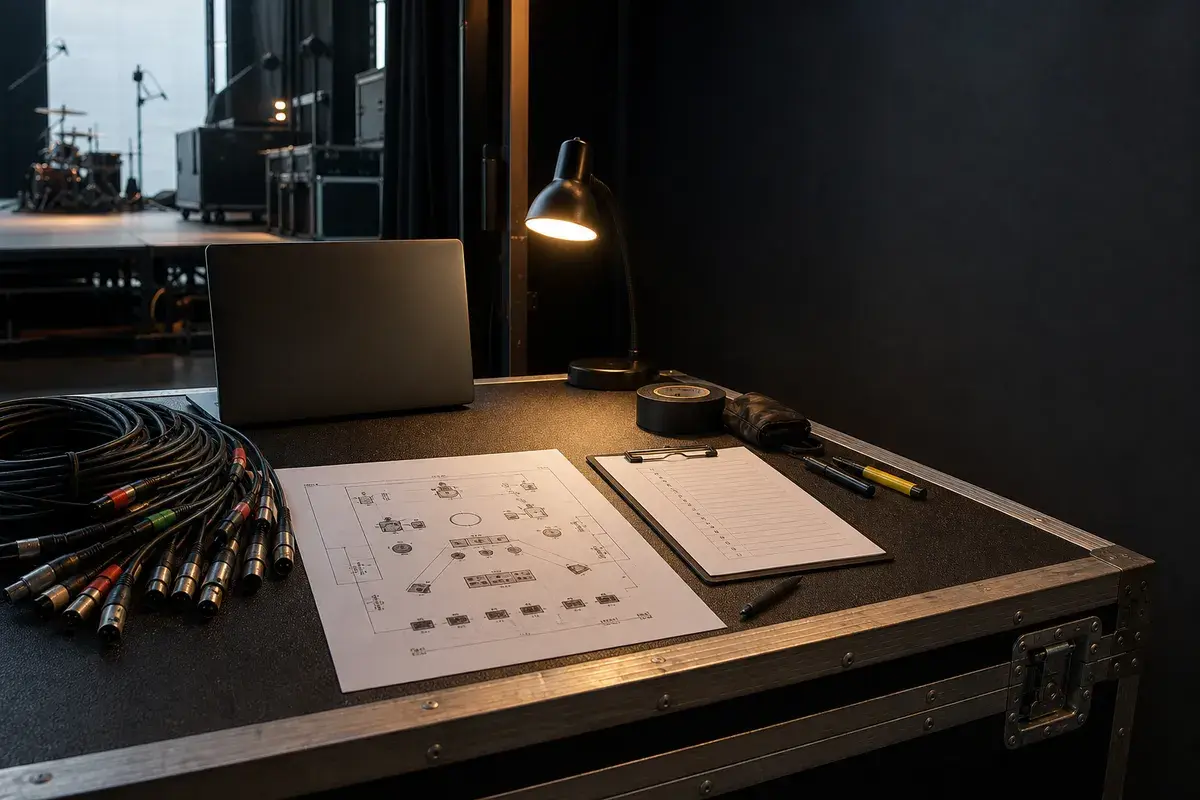
The best technical rider answers the questions production needs answered before load-in: who is coming, what fits on stage, what channels and outputs are required, what the band brings, what the venue supplies, and who can resolve a question. It should be readable in a minute or two. A venue with no prior history with your act should not have to decode your equipment list from a paragraph.
Use the technical rider guide for the full logic, then use this structure as the editable framework.
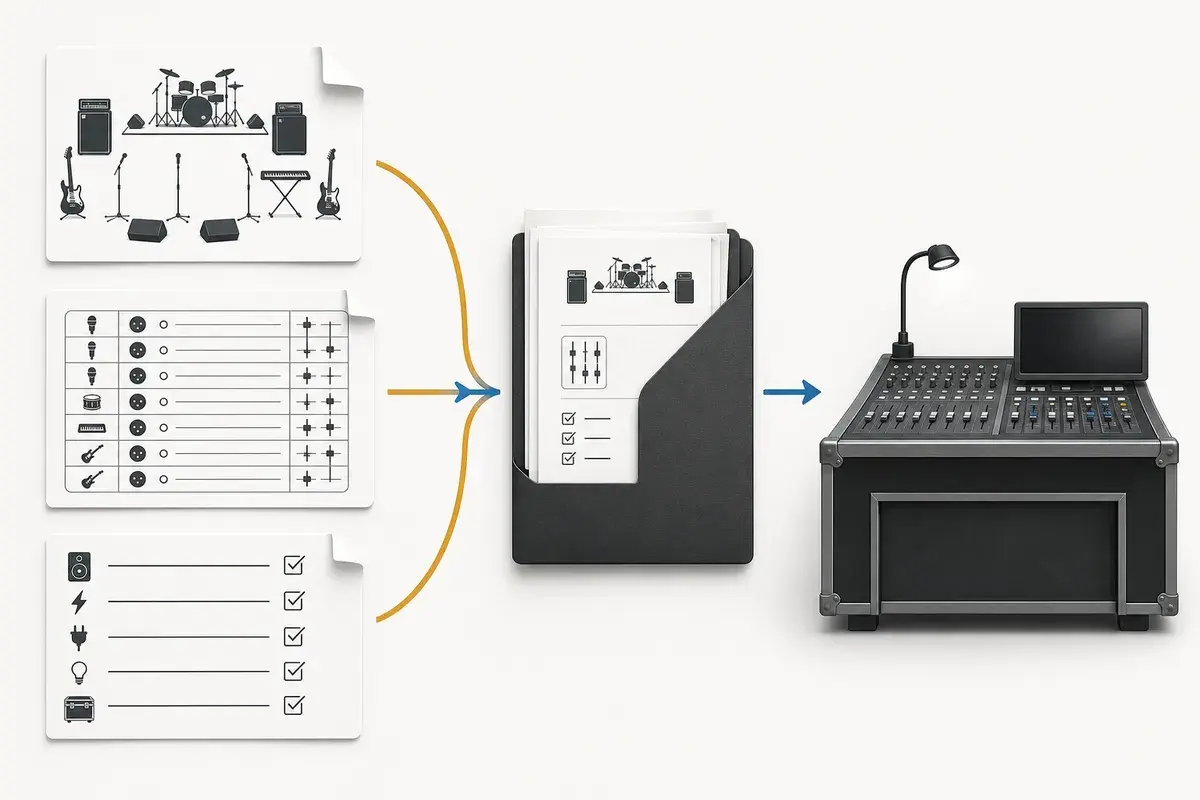
| Section | What production needs from it |
|---|---|
| Header and contacts | Band name, date, venue, production contact, day-of-show phone number. |
| Stage plot | Current visual layout, stage orientation, footprint, monitor positions, and power drops. |
| Input list | One row per mic, DI, playback, click, or other physical console input. |
| Monitoring | Mix count, wedge or IEM format, shared mixes, and monitor-only routing. |
| Backline and power | What the band brings, what the venue must provide, and realistic power needs. |
| Timing and notes | Load-in, line-check or soundcheck request, set length, and only essential exceptions. |
Start with event details and one production contact
Put the band name, date, venue, expected lineup, and a phone number at the top. Give production one person who can answer a question quickly. This avoids the classic advance problem where a promoter has an old PDF, a new email, and three different band members giving conflicting answers.
If the lineup changes, revise the plot, input list, and rider together. Do not just edit the email body; stage crew may have printed the attachment before they see your follow-up.
Attach the plot and input list instead of describing them twice
The stage plot is the spatial document. The input list is the channel-by-channel document. Attach both as stable PDFs or shareable production links, and refer to them by file name in the rider. Repeating all inputs in prose creates two versions to maintain and makes mismatches more likely.
State the stage footprint when it matters. A large keyboard rig, drum riser, horn line, or several shared vocal positions can change whether the act fits comfortably. Use the stage dimensions guide to keep the drawing grounded in a real room.
Separate “provided by artist” from “required from venue”
Backline ambiguity causes more load-in friction than almost anything else.
Use two lists. Under Provided by artist, list gear that travels with you. Under
Required from venue, list the equipment that must be supplied. If a suitable
equivalent is acceptable, say so. If it is a hard requirement because a show
depends on it, state the reason briefly.
For example, Venue to provide: one working bass amplifier with DI output or mic-ready cabinet is more useful than bass amp needed. Artist provides: stereo keyboard DI and playback interface prevents the engineer from
preparing duplicate hardware.
Monitoring and special routing
Give the total number and format of mixes, then include the detailed monitor mix request. Clearly mark click, guide, and timecode as monitor-only or show-control signals. For a small act, this can be a few lines. For a large IEM rig, the rider should explain who provides splits, transmitters, and control, not attempt to replace the system patch sheet.
Timing is part of the technical requirement
Say how long the band requires for a line check or a soundcheck and be honest. A four-piece with a few standard inputs may need a brief line check. A band with tracks, IEMs, guests, and a large channel count cannot realistically be ready in the same window. If the venue cannot meet the request, ask them to confirm the available time so you can simplify the setup before arriving.
Frequently asked questions
Is a tech rider the same as a hospitality rider?
No. A technical rider covers production requirements; hospitality covers off-stage needs. Keep the technical information easy for the crew to find.
How long should a technical rider be?
Usually one or two concise pages plus the stage plot and input list. Add detail only when it changes the production plan.
When should I send it?
Send it when the show is confirmed and follow the venue’s advance deadline. A week ahead is a useful minimum for many club dates; festivals often need it earlier.
Field workflow: turn the advice into a usable advance
A useful technical rider is a short operations document supported by the plot and input list. It explains the items that cannot be inferred from the drawings: backline ownership, power, playback redundancy, monitor format, access timing, personnel, and substitutions. Repeating every input row makes the rider longer without making it clearer.
Use this workflow
- Lead with contact, lineup, revision, and document links.
- Describe artist-supplied and requested backline.
- State monitor, playback, power, and communications requirements.
- Separate preferences from performance-critical constraints.
- Close with schedule, load-in, line-check, and substitution contacts.
Working example
A concise rider might state that the artist supplies instruments, pedalboards, playback computer, interface, stereo isolation, and IEM transmitters; the venue supplies PA, console, stage box, microphones, stands, wedges, and safe power. The attached plot and 20-channel list carry placement and patch detail.
Engineer’s note
Model-specific console demands should have a real reason such as show-file compatibility, channel capacity, required buses, or integration with a touring rack. “Digital console preferred” is not a specification. State the capability needed and let production propose an equivalent system.
Adapt it to the venue without losing the source of truth
Keep one master document for the traveling lineup, then make a deliberate venue or format revision when the stage, backline, channel capacity, monitor system, or performer count changes. Put the revision date in the file and on the page. If a venue proposes a substitution, record the accepted change in the advance thread instead of quietly turning it into a permanent requirement.
When resources are limited, reduce the plan in an agreed order. Protect the sources and outputs that carry timing, pitch, safety, and show control first; simplify preferences second. A tested mono playback feed, shared wedge plan, reduced drum-mic package, or alternate backline choice is useful only when the band has approved it before the changeover clock starts.
Run a two-minute production review
Read the finished package from the perspective of a technician meeting the act for the first time. Count the physical connections, identify the artist handoff points, trace private cues to their destinations, and separate facts from requests. Then compare the terminology across the plot, list, rider, cable labels, and email. A source with three different names becomes three separate troubleshooting questions.
After the show, capture only changes that will travel. Update the master for a new performer, instrument, output, monitor system, or permanent rig change. Leave one-night venue substitutions in the date notes. This keeps a useful local workaround from becoming inaccurate information on every future advance.
Final verification
- The rider adds information.
- Ownership is explicit.
- Constraints have reasons.
- Schedule assumptions are confirmed.
Ask someone who did not build the document to review it for two minutes. If they cannot identify the performers, inputs, monitor plan, ownership, and unresolved questions without coaching, revise the labels before sending it. A fast independent read is the closest rehearsal for how production will use the material.