Where it goes on stage
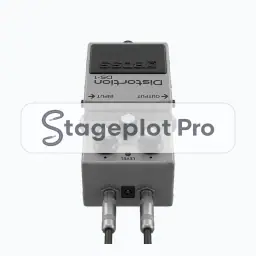
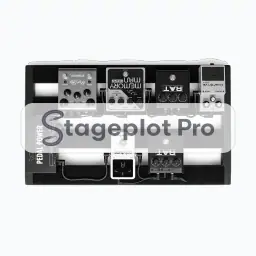
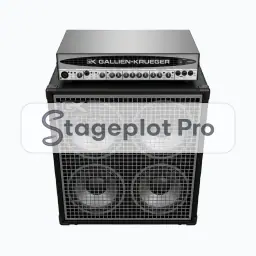
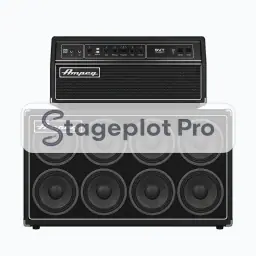
Put it where it will really stand, not where it is convenient to draw. Guitar positions sit downstage of the backline they use, angled in toward the drummer so the player can hold time by eye as well as by ear. Stageplot Pro keeps every icon to scale, so the spacing you draw is the spacing the crew builds.
What the crew needs to know
The detail that saves a phone call. State whether guitars run through amps or straight to a DI. That single line decides roughly half the channel list.
On the input list
Electric Gtr produces one channel on the input list, defaulting to a Dynamic input, a boom stand and phantom power off. It sorts at position 4 in the drums first, vocals last channel order that front of house engineers expect. Change any of it per plot; the default just means you rarely have to.
Console exports
Because the input list is generated rather than typed, it exports straight to console: X32 and M32 scene files, Wing scenes, and CSV channel names for the Allen and Heath, DiGiCo, and Yamaha families. See the console guides.