23 icons in this category
Amps stage plot icons
Amp icons describe backline. They tell the audio crew which cabinets are arriving, how tall they are, and where a mic has to go. That matters for sightlines as much as for sound, because an 8x10 bass cabinet in the wrong position hides half a horn section from the room.
Where it goes. Backline sits upstage, angled slightly inward so the player hears it without firing straight into an open vocal mic. Leave a working gap behind the cabinet for the mic stand and the cable.
Worth confirming. Say whether the amp travels with the band or comes from the house. Backline rental decisions get made off this drawing, so an unlabelled cabinet becomes a phone call.
All 23 Amps icons
Every icon below has its own page covering placement, input list behaviour, and the gear most often placed next to it.
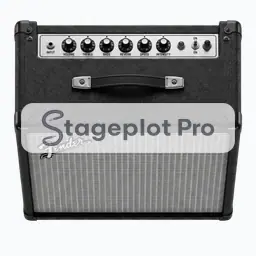 Gtr Amp Fender
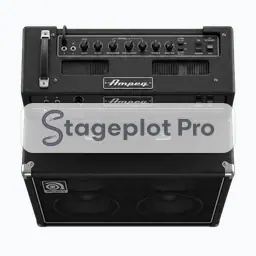 Bass Amp Ampeg
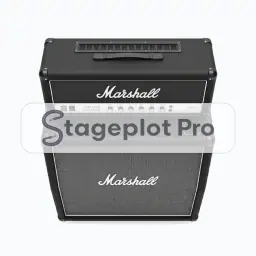 Gtr Stack (No. 001)
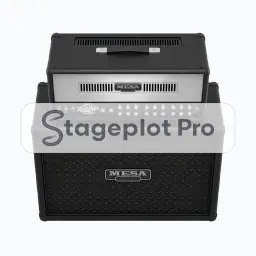 Gtr Stack (No. 002)
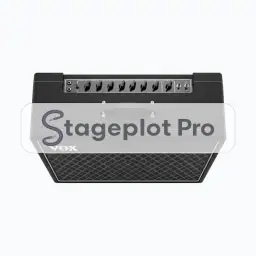 Gtr Combo
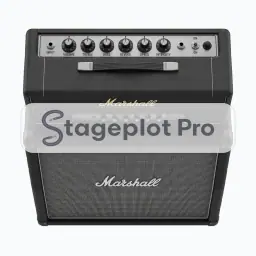 Gtr Stack (No. 004)
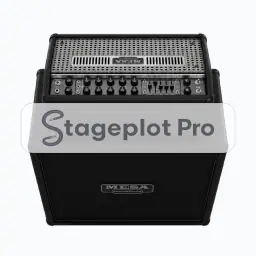 Mesa Mark V + 4x12
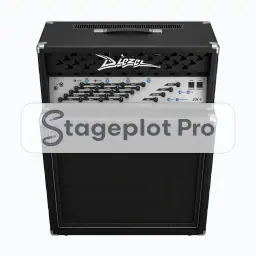 Diezel VH4 + 4x12
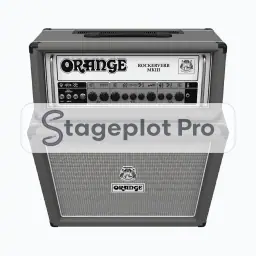 Gtr Stack (No. 007)
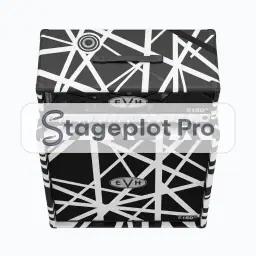 EVH 5150III + 4x12
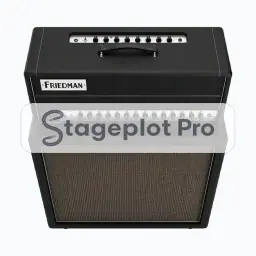 Gtr Stack (No. 009)
 Gtr Stack (No. 010)
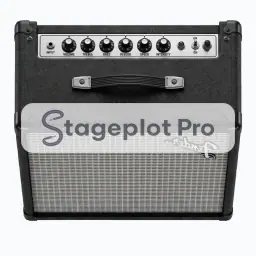 Amp Steel
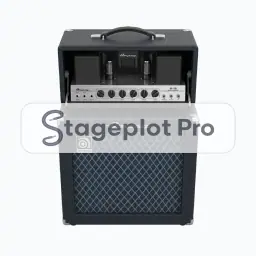 Gtr Stack (Amp Bass 1x15)
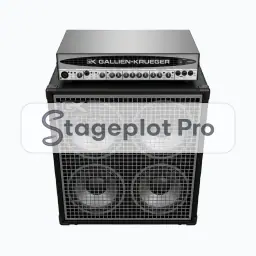 Gtr Stack (Amp Bass 4x10)
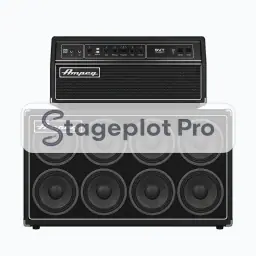 Gtr Stack (Amp Bass 8x10 Horizontal)
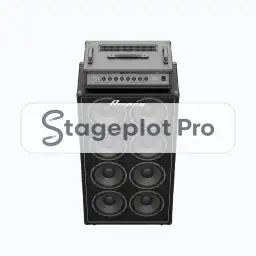 Gtr Stack (Amp Bass 8x10 Vertical)
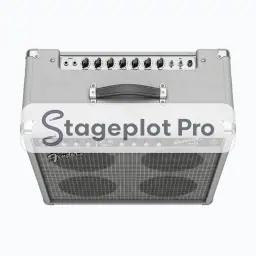 Bass Stack 4x10
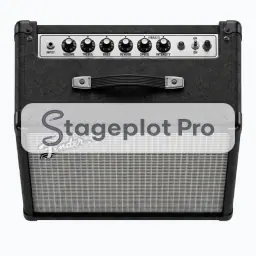 Amp Gtr Fender
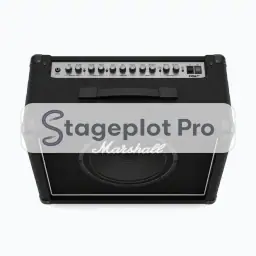 Amp Gtr Marshall
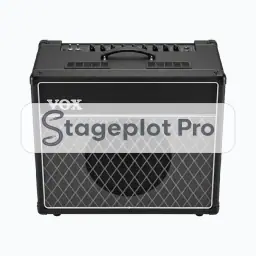 Amp Gtr Vox
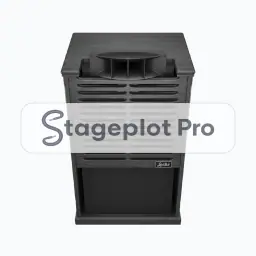 Leslie
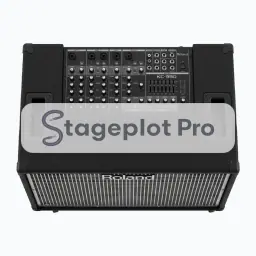 Keys Amp
Categories that usually appear alongside Amps
Stage plots are rarely single category drawings. These sections carry the gear that tends to sit next to amps on the same plot.
- Guitars17 iconsElectric, acoustic, and bass guitar icons plus pedalboards and stands for the guitar world.
- AC & DI14 iconsPower drops, quad boxes, and direct boxes that tell the crew where AC and DI lines have to land.
- Monitors6 iconsWedges, side fills, and in ear packs for documenting the monitor world on the plot.