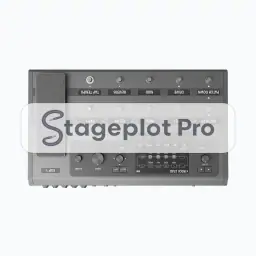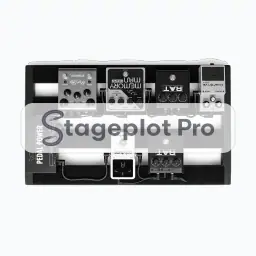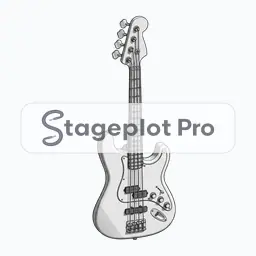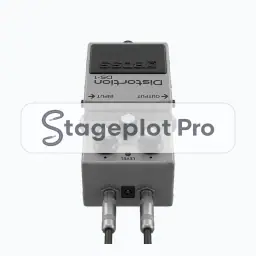
Single Gtr FX Pedal stage plot icon, Guitars gear in the Stageplot Pro library
Single Gtr FX Pedal stage plot icon. This public preview carries a watermark; the version inside the editor does not.

Guitars

Single Gtr FX Pedal Stage Plot Icon

The Single Gtr FX Pedal icon draws a guitar at a believable footprint instead of a placeholder box. On a stage plot it marks a player position and the signal path that comes with it, which is what lets a venue crew read the plan in a single pass.

Place it, rotate it, and give it a label that matches the language your crew already uses. The export keeps all of it.

Category
Guitars (17 icons)
Input list
No input list rows
Mic or DI default
Not an audio source
Plan
Included free

Using the Single Gtr FX Pedal icon on a stage plot

Where it goes on stage

Stage position is the thing that gets argued about at load in, so it is worth drawing accurately. Guitar positions sit downstage of the backline they use, angled in toward the drummer so the player can hold time by eye as well as by ear. If the room forces a compromise, move the icon and export again. A fresh PDF is cheap; an argument at load in is not.

What the crew needs to know

One thing worth writing down. State whether guitars run through amps or straight to a DI. That single line decides roughly half the channel list.

On the input list

Single Gtr FX Pedal is not an audio source, so it adds no rows to the input list. It is there to make the drawing accurate: it marks a player position and the signal path that comes with it, and the channel count stays clean because nothing silent is padding it out.

Console exports

Because the input list is generated rather than typed, it exports straight to console: X32 and M32 scene files, Wing scenes, and CSV channel names for the Allen and Heath, DiGiCo, and Yamaha families. See the console guides.

More Guitars

17 icons share the Guitars section of the palette. These are the ones most often placed alongside Single Gtr FX Pedal.

View all Guitars icons

Gear that usually shares the plot

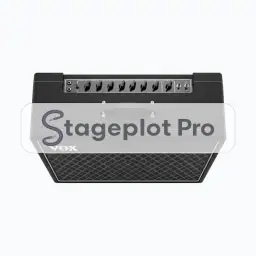
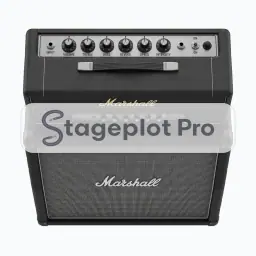
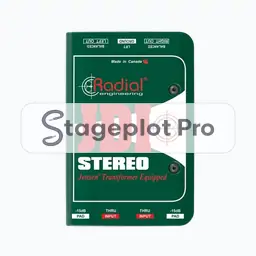
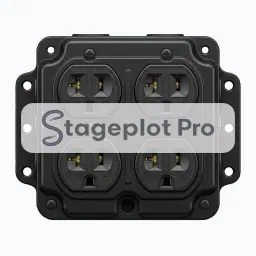
Marks a player position and the signal path that comes with it is only part of the picture. These icons come from Amps, AC & DI and People, the sections that most often appear on the same drawing.