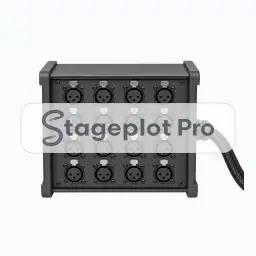
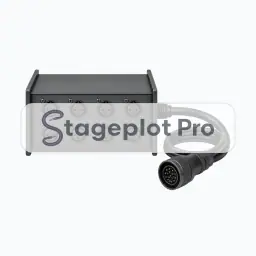
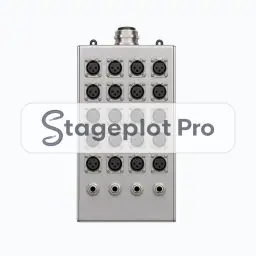
8ch Analog Snake stage plot icon, Stageboxes gear in the Stageplot Pro library
8ch Analog Snake stage plot icon. This public preview carries a watermark; the version inside the editor does not.

Stageboxes

8ch Analog Snake Stage Plot Icon

Every plot has a moment where somebody asks "what plugs in where". The 8ch Analog Snake icon settles it on paper: it fixes the point every input cable on stage has to reach.

Drag it onto the canvas, resize it, rename the label, and it lands in the exported PDF exactly where you left it.

Category
Stageboxes (4 icons)
Input list
8 channels
Mic or DI default
DI
Plan
Included free

Using the 8ch Analog Snake icon on a stage plot

Where it goes on stage

Where it sits on the deck changes how the rest of the plot reads. Boxes sit upstage left or upstage right against the wall, out of the walking route and close to the heaviest cluster of inputs. Snap the icon to the grid and the distances stay believable on a printed page.

What the crew needs to know

Say this part explicitly. Give the channel count of the box. Stageplot Pro expands a snake icon into its own numbered channel rows on the input list.

On the input list

8ch Analog Snake expands into 8 numbered channel rows on the input list, each defaulting to a DI input, no stand and phantom power off. Drawing the box rather than describing it is what makes the copper count add up.

Console exports

Channel names travel with the plot. Export a scene file for an X32, M32, or Wing, or a channel name CSV for dLive, Avantis, SQ, DiGiCo, and Yamaha CL and QL. See the console guides.
More Stageboxes

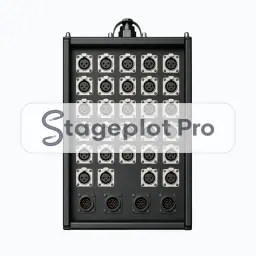
4 icons share the Stageboxes section of the palette. These are the ones most often placed alongside 8ch Analog Snake.

View all Stageboxes icons

Gear that usually shares the plot

Fixes the point every input cable on stage has to reach is only part of the picture. These icons come from Cables, AC & DI and PA, the sections that most often appear on the same drawing.