4 icons in this category
Stageboxes stage plot icons
Stagebox icons show where the multicore terminates. On a digital system that is a stage rack. On an analogue system it is a snake head. Either way the position sets the cable length for every source around it, and a box on the wrong side of the stage adds thirty metres of copper to a rushed changeover.
Where it goes. Boxes sit upstage left or upstage right against the wall, out of the walking route and close to the heaviest cluster of inputs.
Worth confirming. Give the channel count of the box. Stageplot Pro expands a snake icon into its own numbered channel rows on the input list.
All 4 Stageboxes icons
Every icon below has its own page covering placement, input list behaviour, and the gear most often placed next to it.
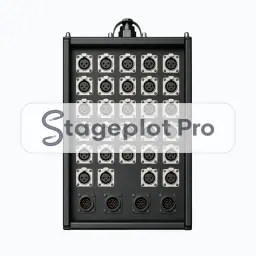
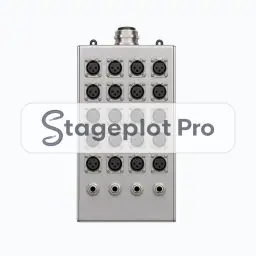
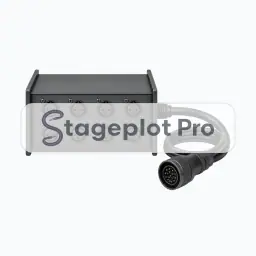
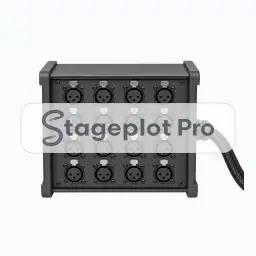
Categories that usually appear alongside Stageboxes
Stage plots are rarely single category drawings. These sections carry the gear that tends to sit next to stageboxes on the same plot.
- Cables21 iconsConnector and cable run icons for documenting XLR, TRS, HDMI, and adapter needs directly on the plot.
- AC & DI14 iconsPower drops, quad boxes, and direct boxes that tell the crew where AC and DI lines have to land.
- PA14 iconsMains, subs, fills, and line array icons for putting the sound system on the plot.