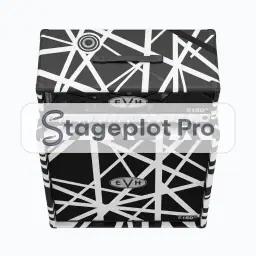
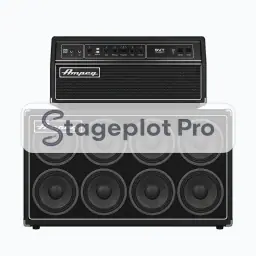
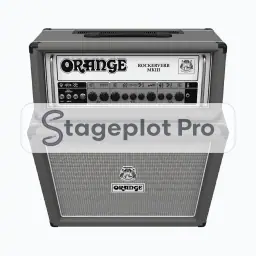
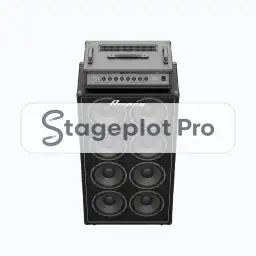
Where it goes on stage
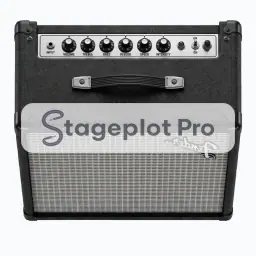
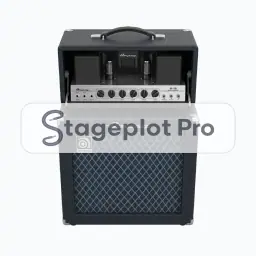
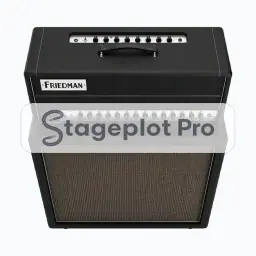
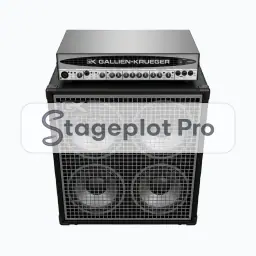
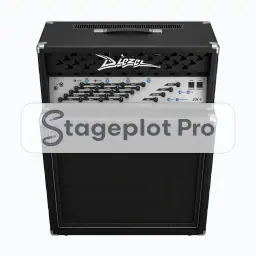
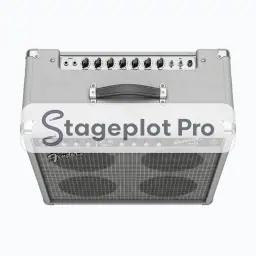
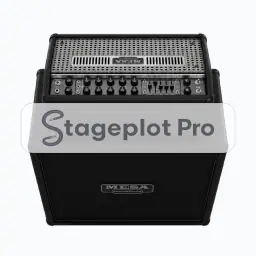
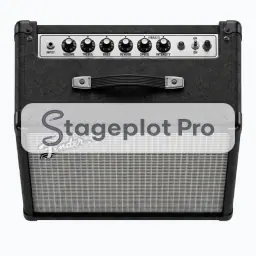
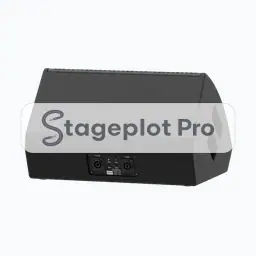
Stage position is the thing that gets argued about at load in, so it is worth drawing accurately. Backline sits upstage, angled slightly inward so the player hears it without firing straight into an open vocal mic. Leave a working gap behind the cabinet for the mic stand and the cable. If the room forces a compromise, move the icon and export again. A fresh PDF is cheap; an argument at load in is not.
What the crew needs to know
One thing worth writing down. Say whether the amp travels with the band or comes from the house. Backline rental decisions get made off this drawing, so an unlabelled cabinet becomes a phone call.
On the input list
Amp Steel produces one channel on the input list, defaulting to a Dynamic input, a short boom stand and phantom power off. It sorts at position 3 in the drums first, vocals last channel order that front of house engineers expect. Change any of it per plot; the default just means you rarely have to.
Console exports
Channel names travel with the plot. Export a scene file for an X32, M32, or Wing, or a channel name CSV for dLive, Avantis, SQ, DiGiCo, and Yamaha CL and QL. See the console guides.