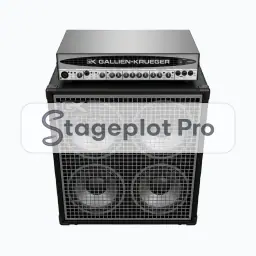
Where it goes on stage
Where it sits on the deck changes how the rest of the plot reads. Backline sits upstage, angled slightly inward so the player hears it without firing straight into an open vocal mic. Leave a working gap behind the cabinet for the mic stand and the cable. Snap the icon to the grid and the distances stay believable on a printed page.
What the crew needs to know
Say this part explicitly. Say whether the amp travels with the band or comes from the house. Backline rental decisions get made off this drawing, so an unlabelled cabinet becomes a phone call.
On the input list
Gtr Stack (No. 010) produces one channel on the input list, defaulting to a Dynamic input, a short boom stand and phantom power off. It sorts at position 3 in the drums first, vocals last channel order that front of house engineers expect. Change any of it per plot; the default just means you rarely have to.
Console exports
Because the input list is generated rather than typed, it exports straight to console: X32 and M32 scene files, Wing scenes, and CSV channel names for the Allen and Heath, DiGiCo, and Yamaha families. See the console guides.