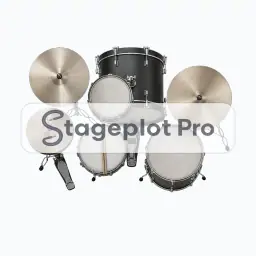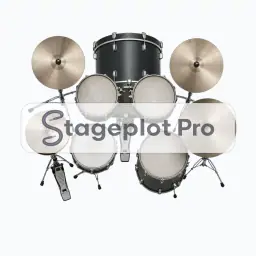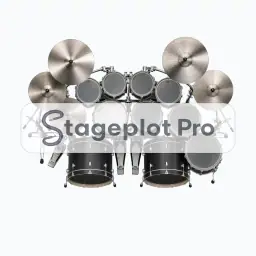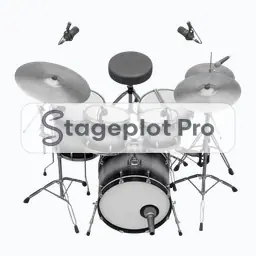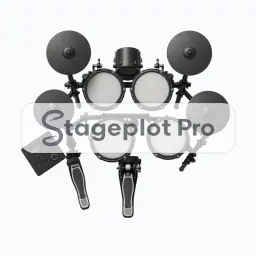
E-Drums stage plot icon, Drum Kits gear in the Stageplot Pro library
E-Drums stage plot icon. This public preview carries a watermark; the version inside the editor does not.

Drum Kits

E-Drums Stage Plot Icon

The E-Drums icon draws a drum kit at a believable footprint instead of a placeholder box. On a stage plot it anchors the plot and drives the largest single block of channels on the input list, which is what lets a venue crew read the plan in a single pass.

Place it, rotate it, and give it a label that matches the language your crew already uses. The export keeps all of it.

Category
Drum Kits (19 icons)
Input list
Expands with the kit size you choose
Mic or DI default
Dynamic
Plan
Included with Pro

Using the E-Drums icon on a stage plot

Where it goes on stage

Stage position is the thing that gets argued about at load in, so it is worth drawing accurately. Kits sit upstage centre on a riser wherever possible, so the drummer plays behind the vocal line and sits above the sightline of the front row. If the room forces a compromise, move the icon and export again. A fresh PDF is cheap; an argument at load in is not.

What the crew needs to know

One thing worth writing down. Say whether the kit is supplied and give the kick size. Mic choice, riser depth, and shield height all follow from that one answer.

On the input list

E-Drums is treated as a full kit, so Stageplot Pro expands it into a per drum channel list once you pick a kit size. A three piece and a ten piece double kick produce very different input lists from the same icon. It sorts at position 1 in the drums first, vocals last channel order that front of house engineers expect.

Console exports

Channel names travel with the plot. Export a scene file for an X32, M32, or Wing, or a channel name CSV for dLive, Avantis, SQ, DiGiCo, and Yamaha CL and QL. See the console guides.

More Drum Kits

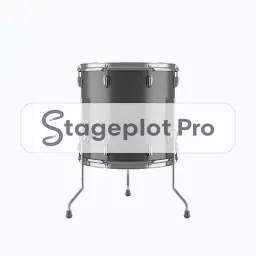
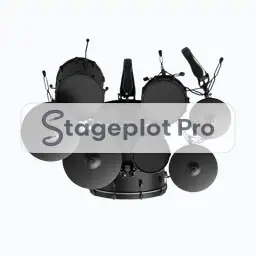
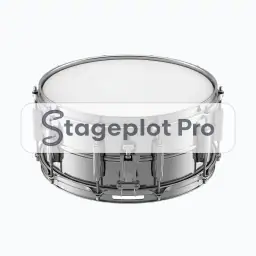
19 icons share the Drum Kits section of the palette. These are the ones most often placed alongside E-Drums.

View all Drum Kits icons

Gear that usually shares the plot

Anchors the plot and drives the largest single block of channels on the input list is only part of the picture. These icons come from Percussion, Drum Shields and Mics, the sections that most often appear on the same drawing.