9 icons in this category
Mics stage plot icons
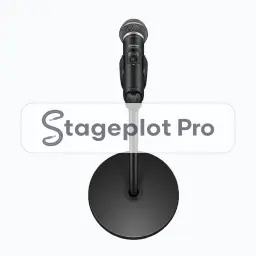
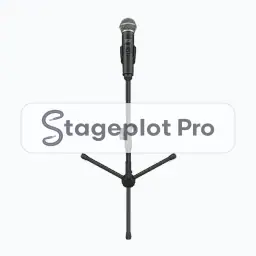
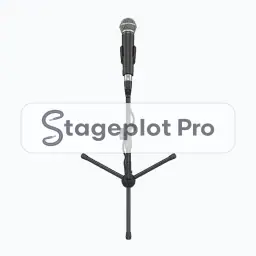
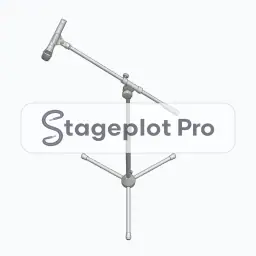
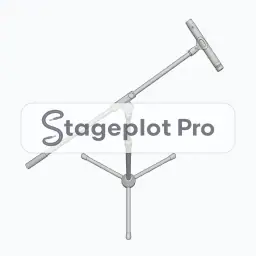
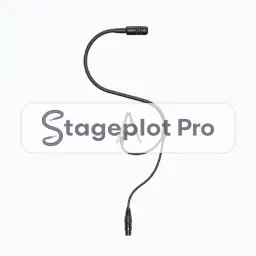
Microphone icons mark the open channels on a stage. They sort last in the Stageplot Pro channel order, which follows the standard front of house convention of drums first and vocals last. Drawing each mic separately is what makes a wireless count and a stand count possible before load in rather than during it.
Where it goes. Vocal mics sit downstage on the performer line. Choir and overhead mics fly above and behind the group they cover, angled down and away from the nearest wedge.
Worth confirming. Mark wireless separately from wired. Frequency coordination starts from that count, and so does the battery order.
All 9 Mics icons
Every icon below has its own page covering placement, input list behaviour, and the gear most often placed next to it.



Categories that usually appear alongside Mics
Stage plots are rarely single category drawings. These sections carry the gear that tends to sit next to mics on the same plot.
- People30 iconsPerformer and crew figures for showing who stands where before any gear is placed.
- Music Stands3 iconsStand and stand light icons for reading charts, common in orchestral, worship, and function work.
- Monitors6 iconsWedges, side fills, and in ear packs for documenting the monitor world on the plot.